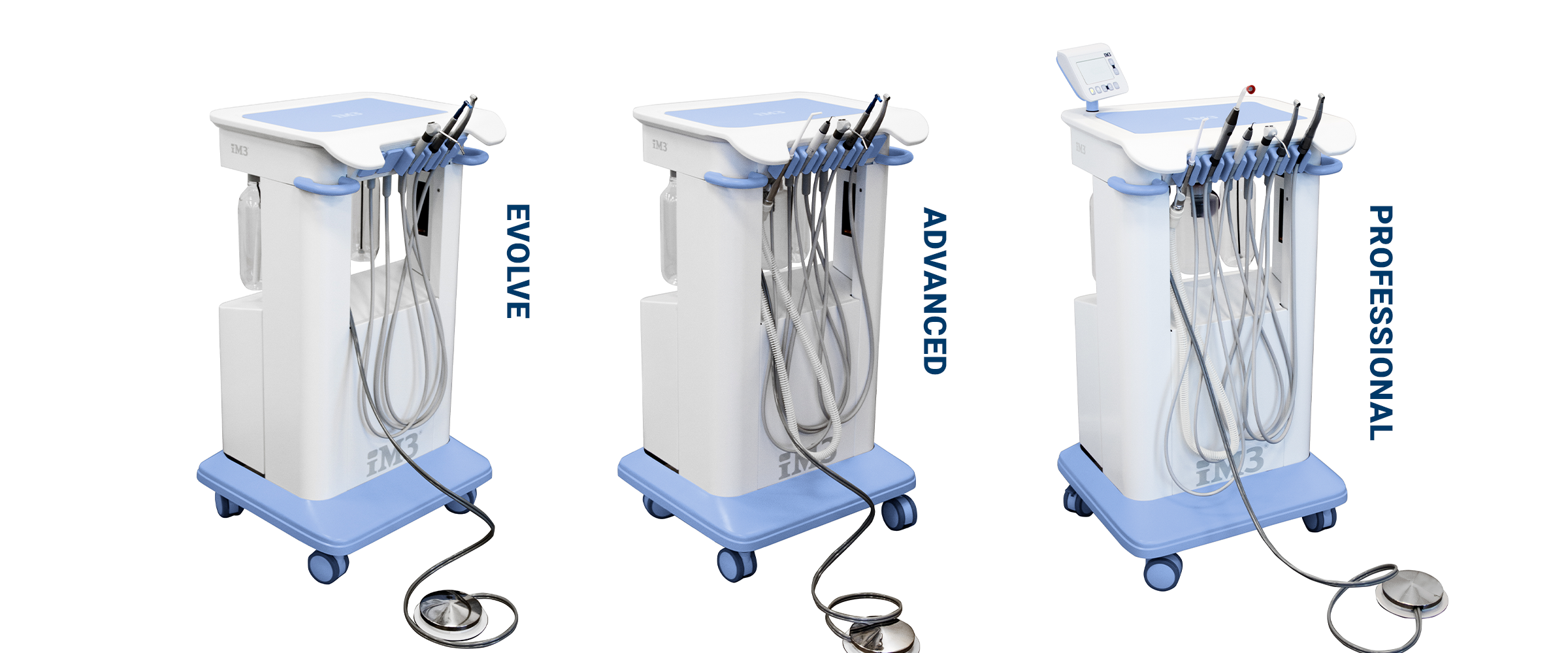
Unboxing
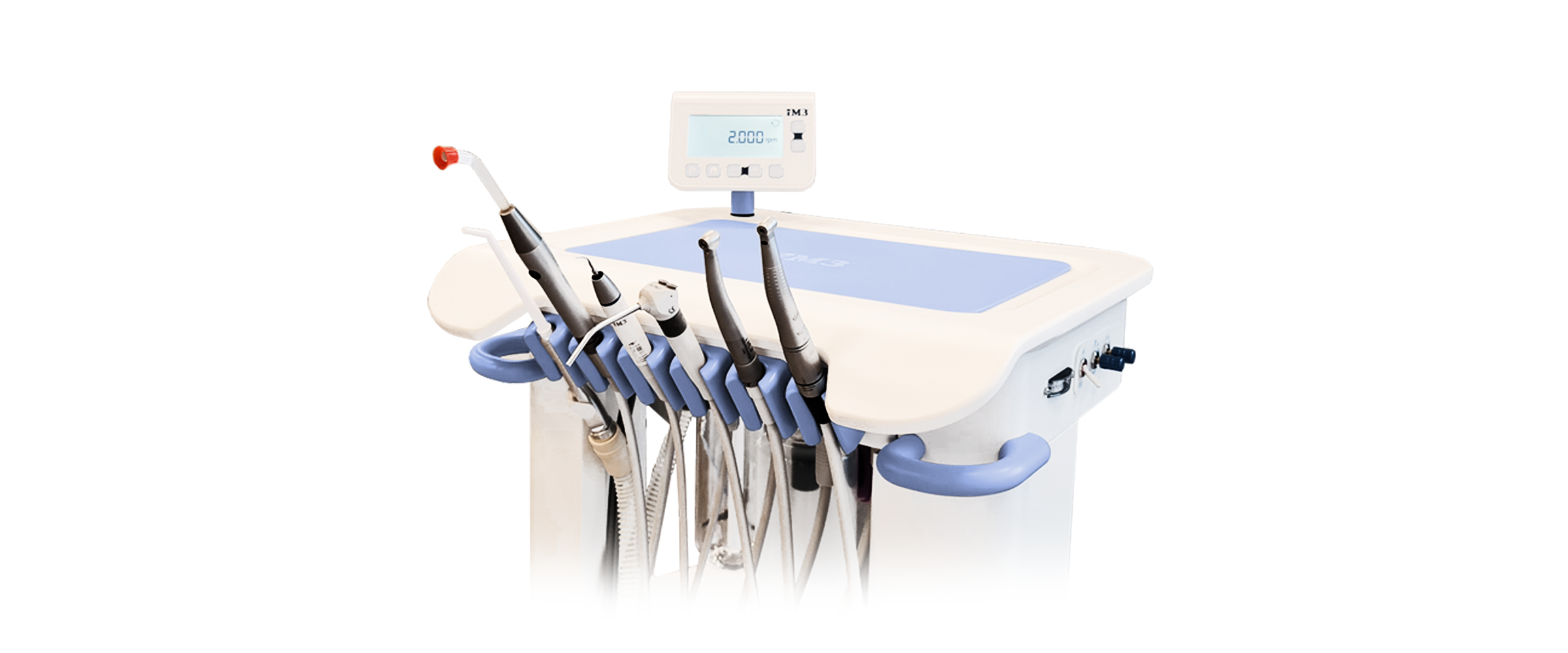
STEP BY STEP GUIDE
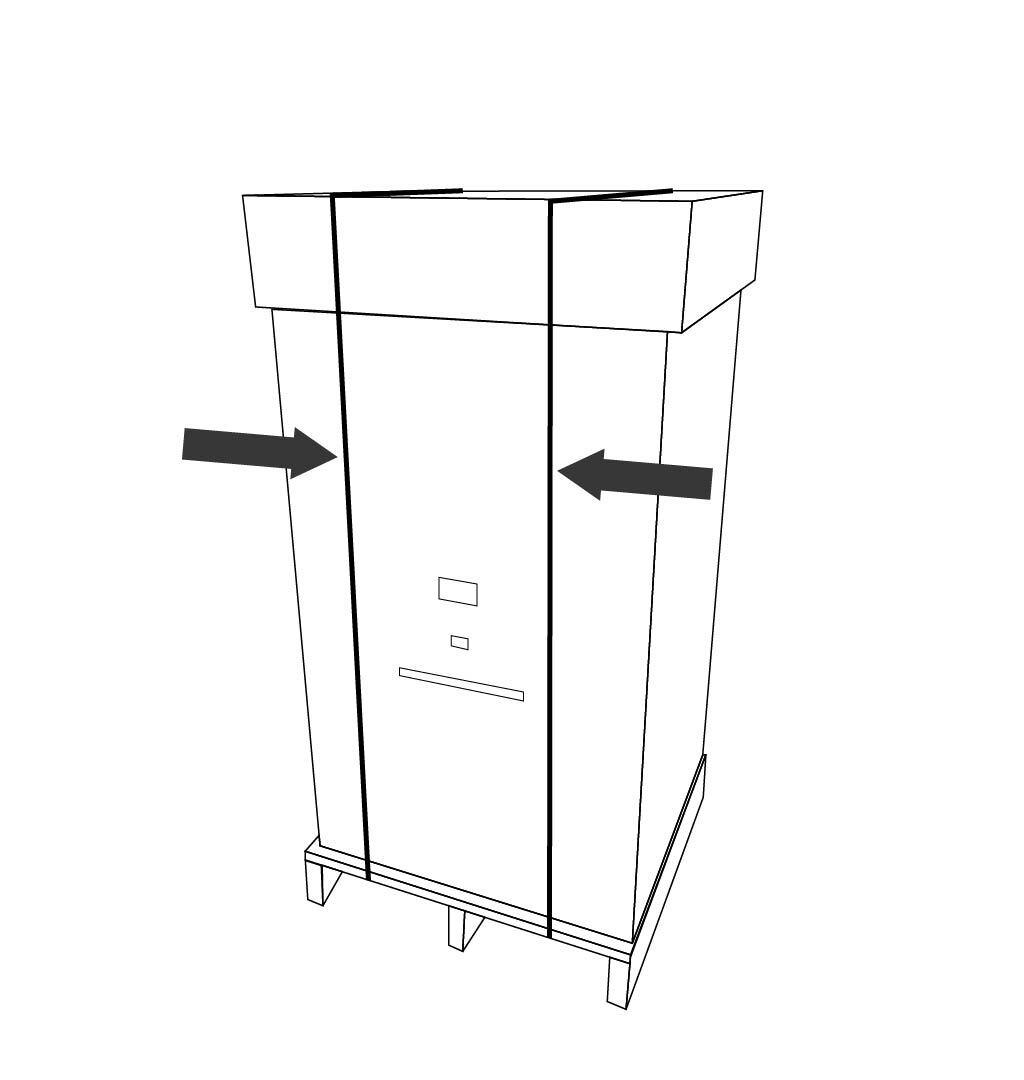
1. Cut the straps that are attaching the box to the pallet.
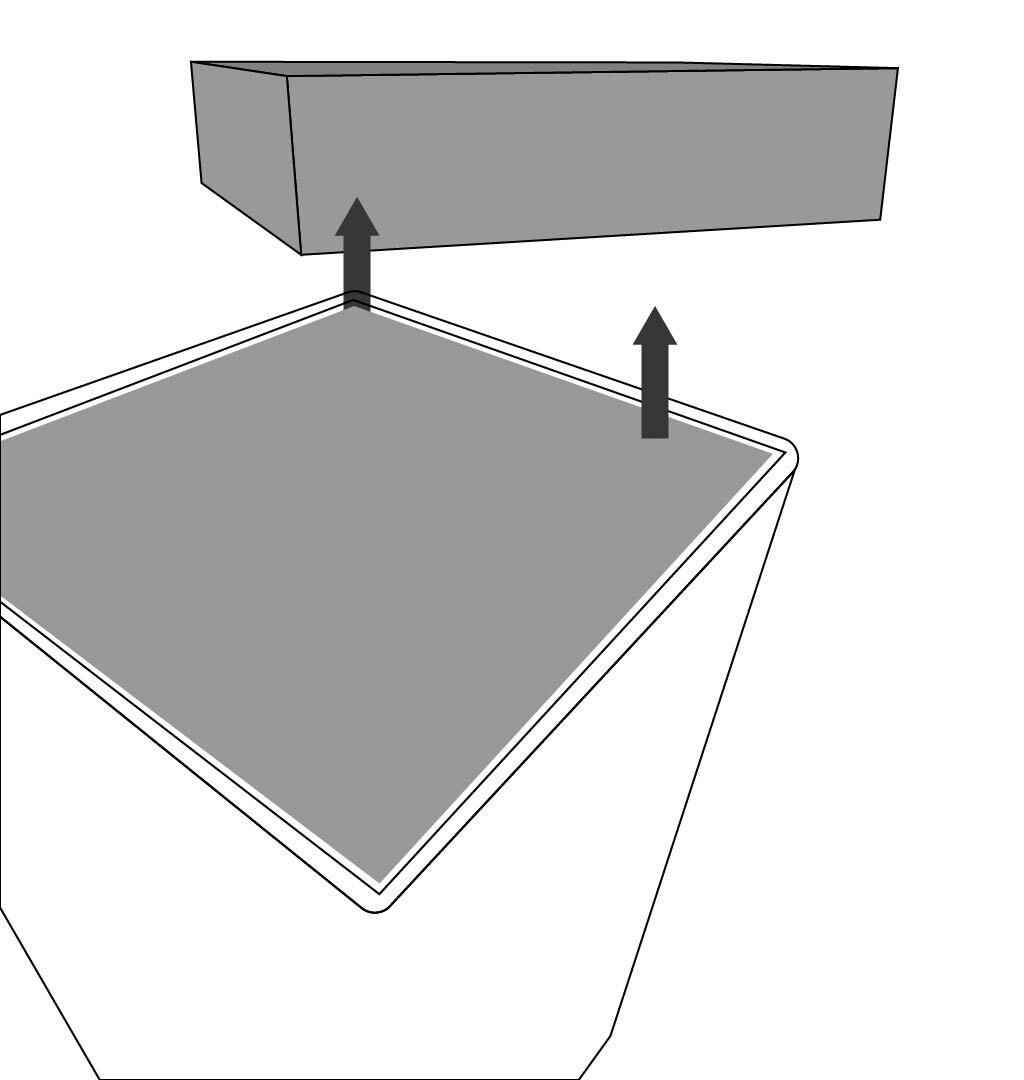
2. Remove the lid from the box and the top carboard spacer.
3. Remove the boxes in numbered order by lifting directly upward using the finger holes.
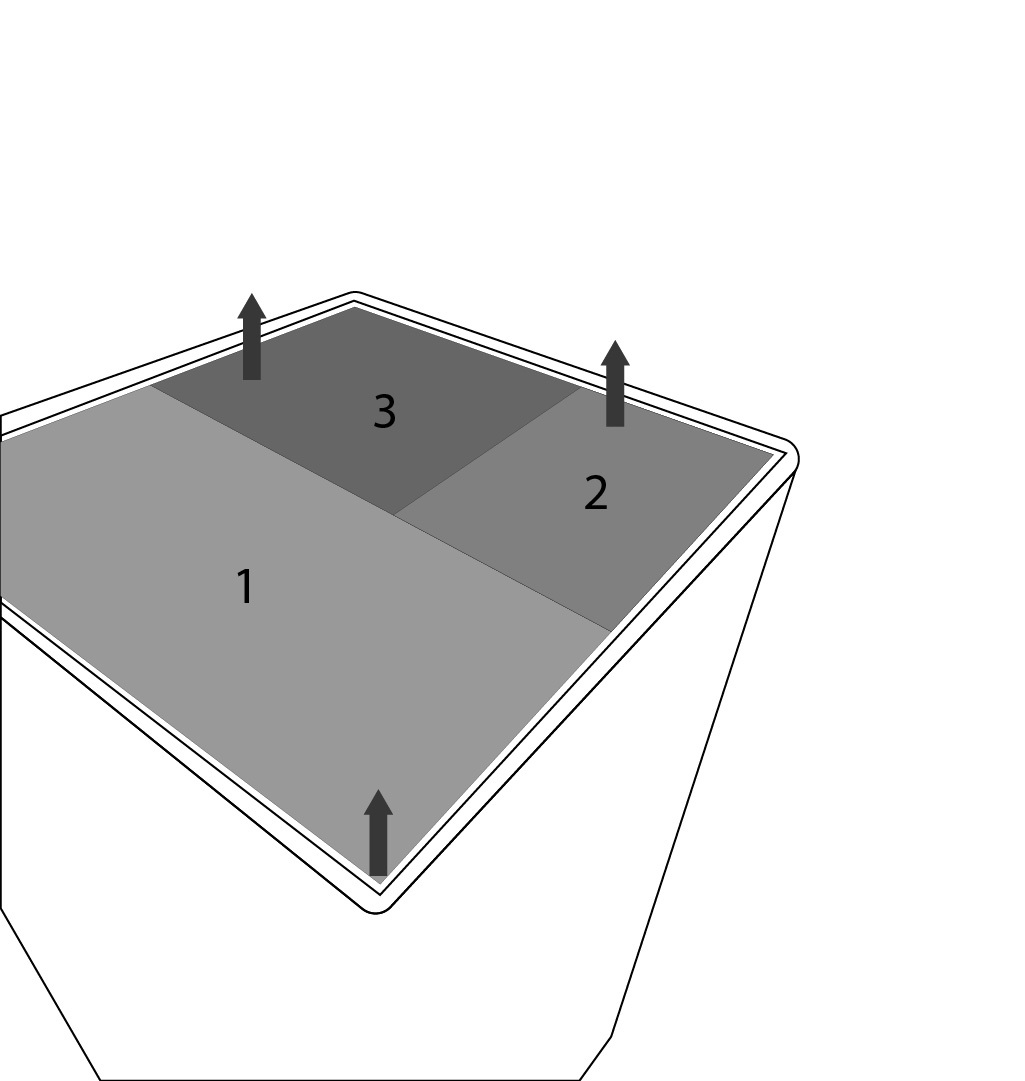
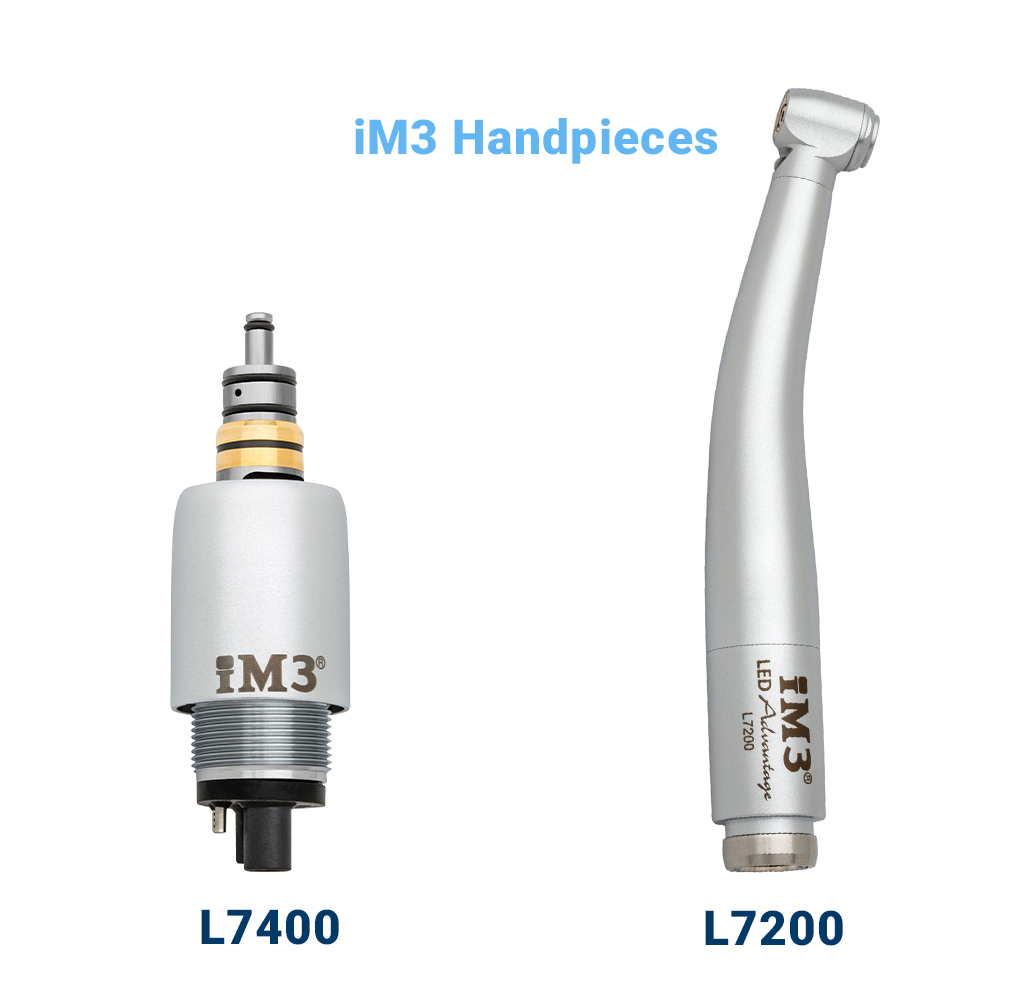
4. Do not discard the numbered boxes as these contain your handpieces and other items included with the dental unit.
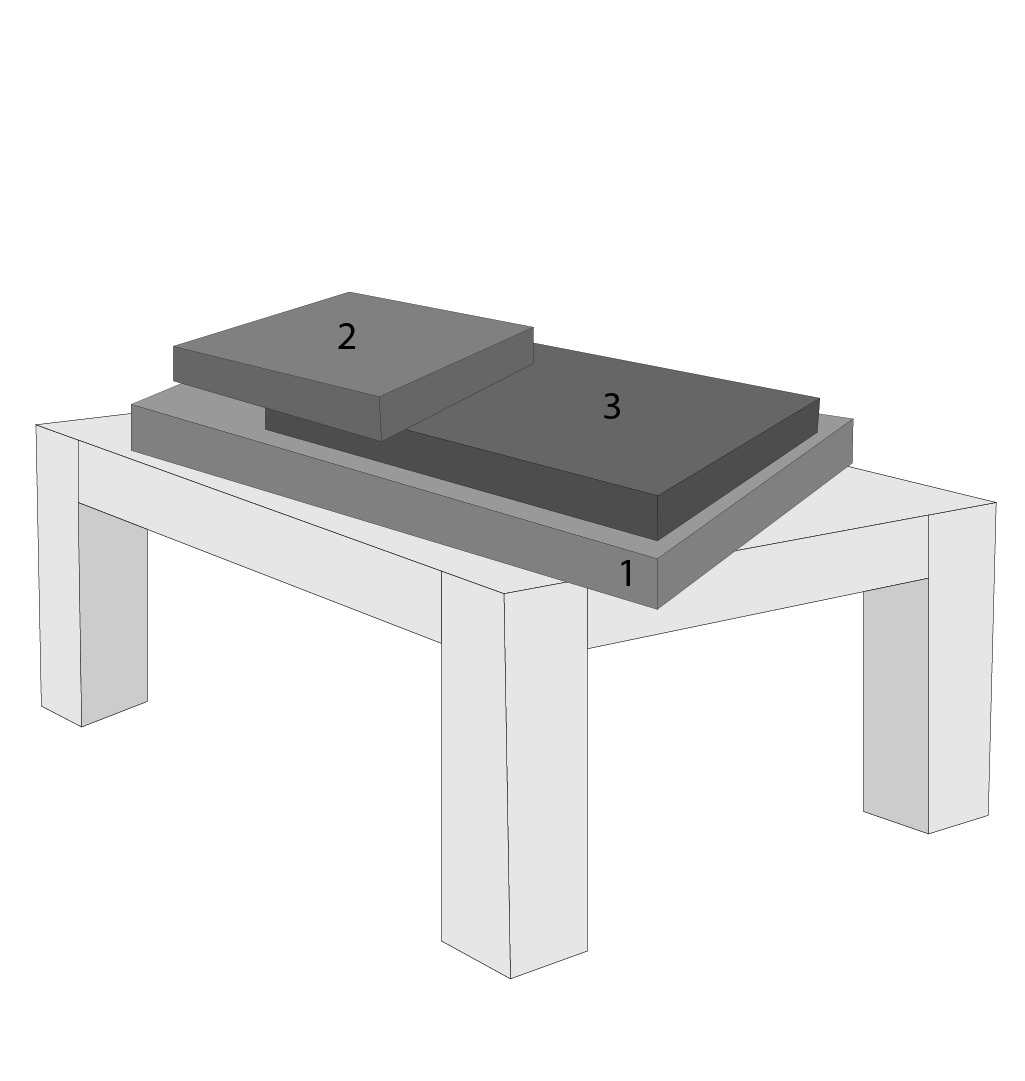
5. With the boxes removed lift up outer box, being careful not to hit the display screen if installed.
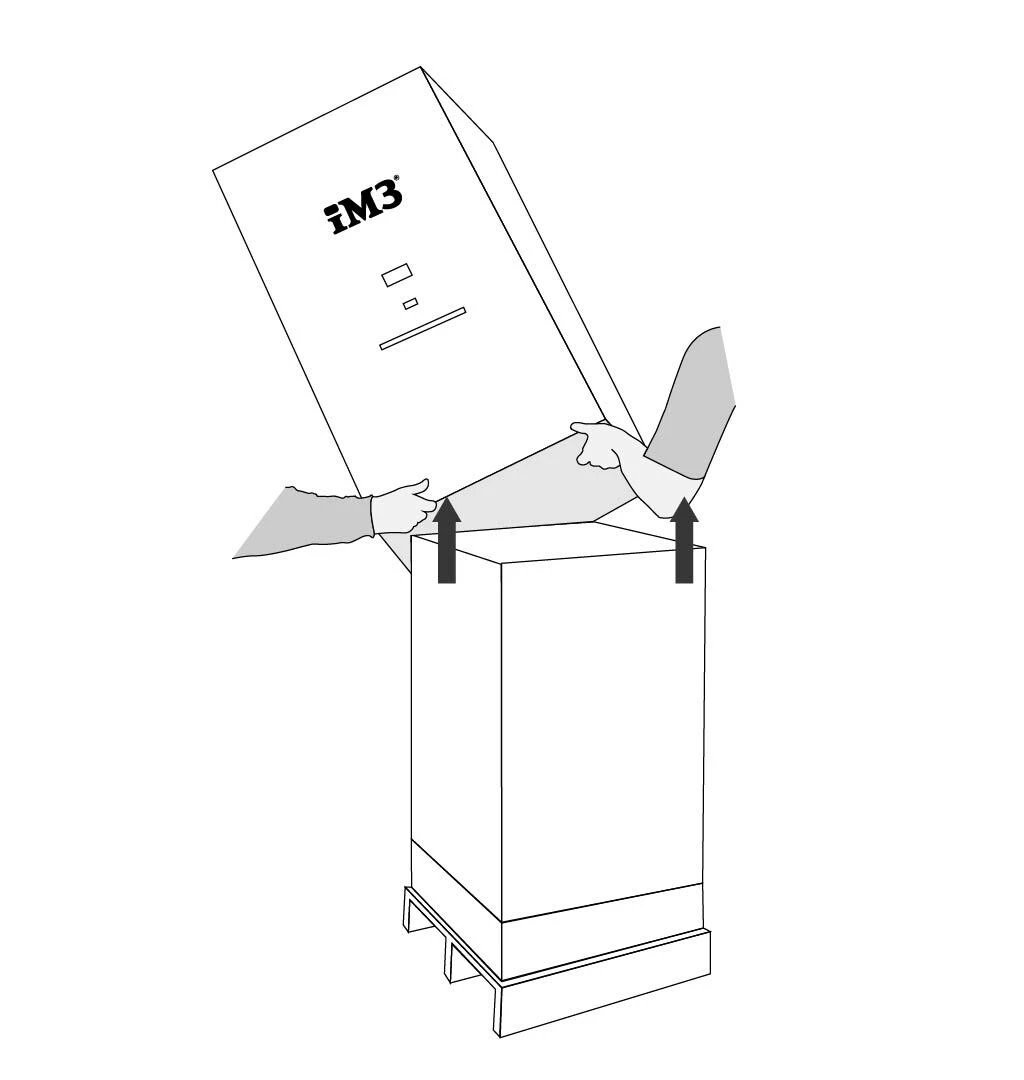
6. Remove the inner box.
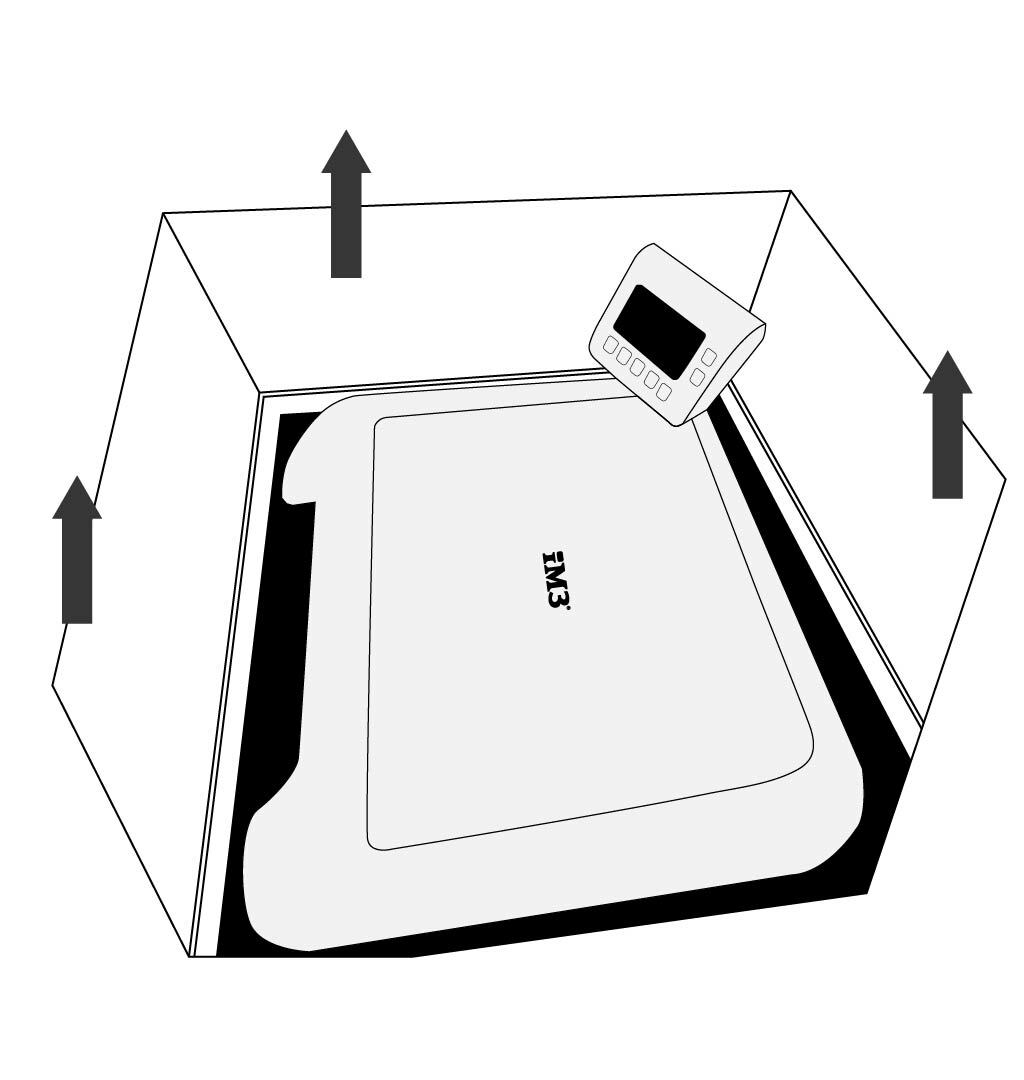
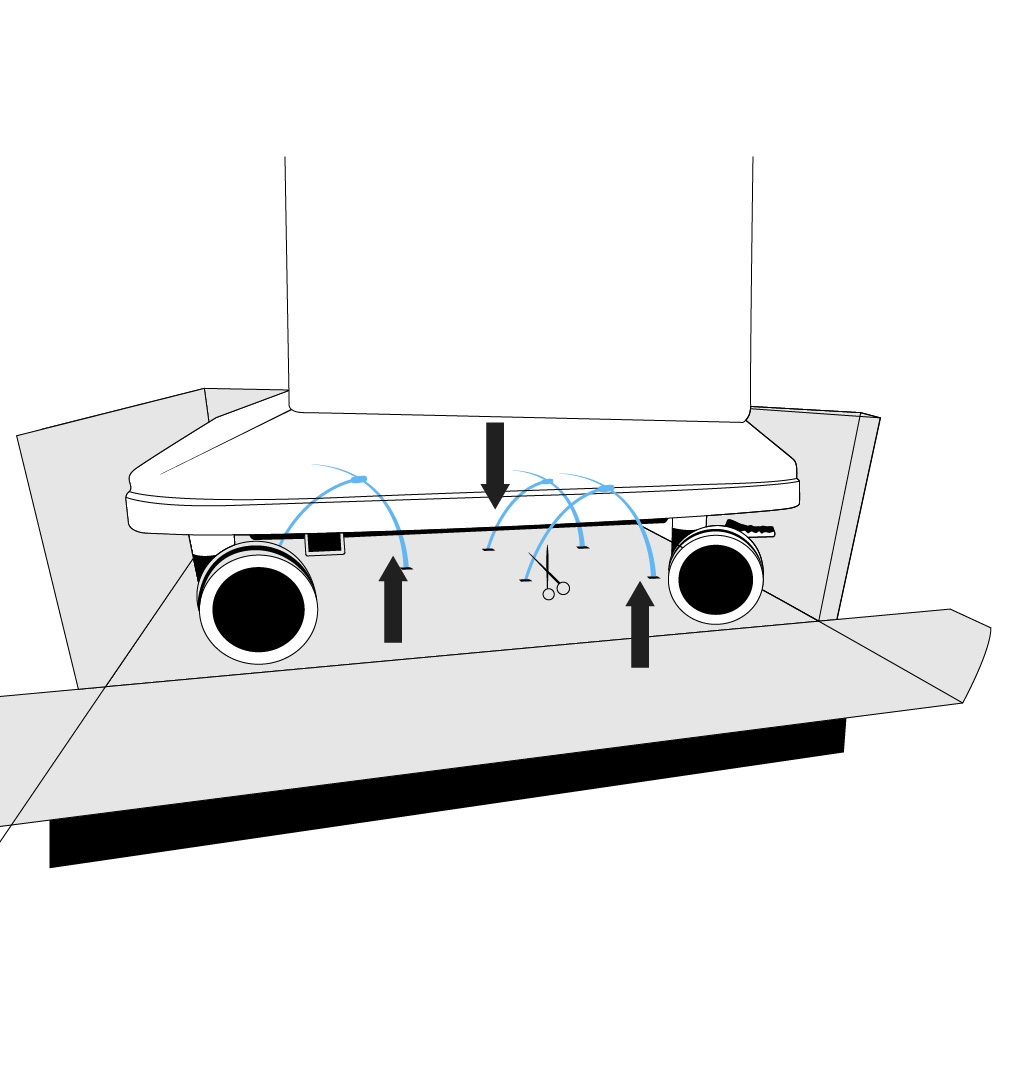
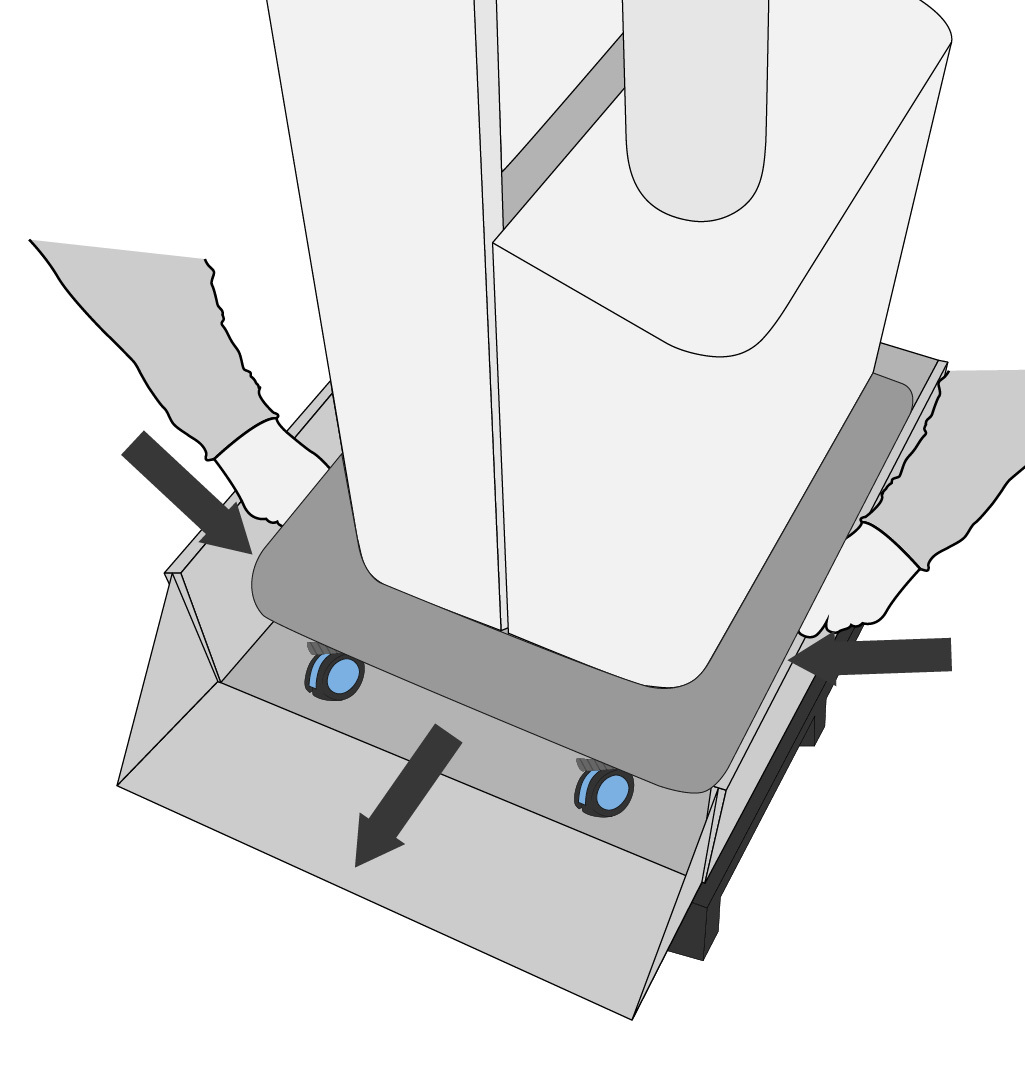
7. Remove cable ties, pull the lip down on the side of the box and unlock the wheels, roll the unit out from the side of the box, do not lift by the blue handles or the Corian top. Lift from the metal part of unit located under the blue skirt at the base of the unit.


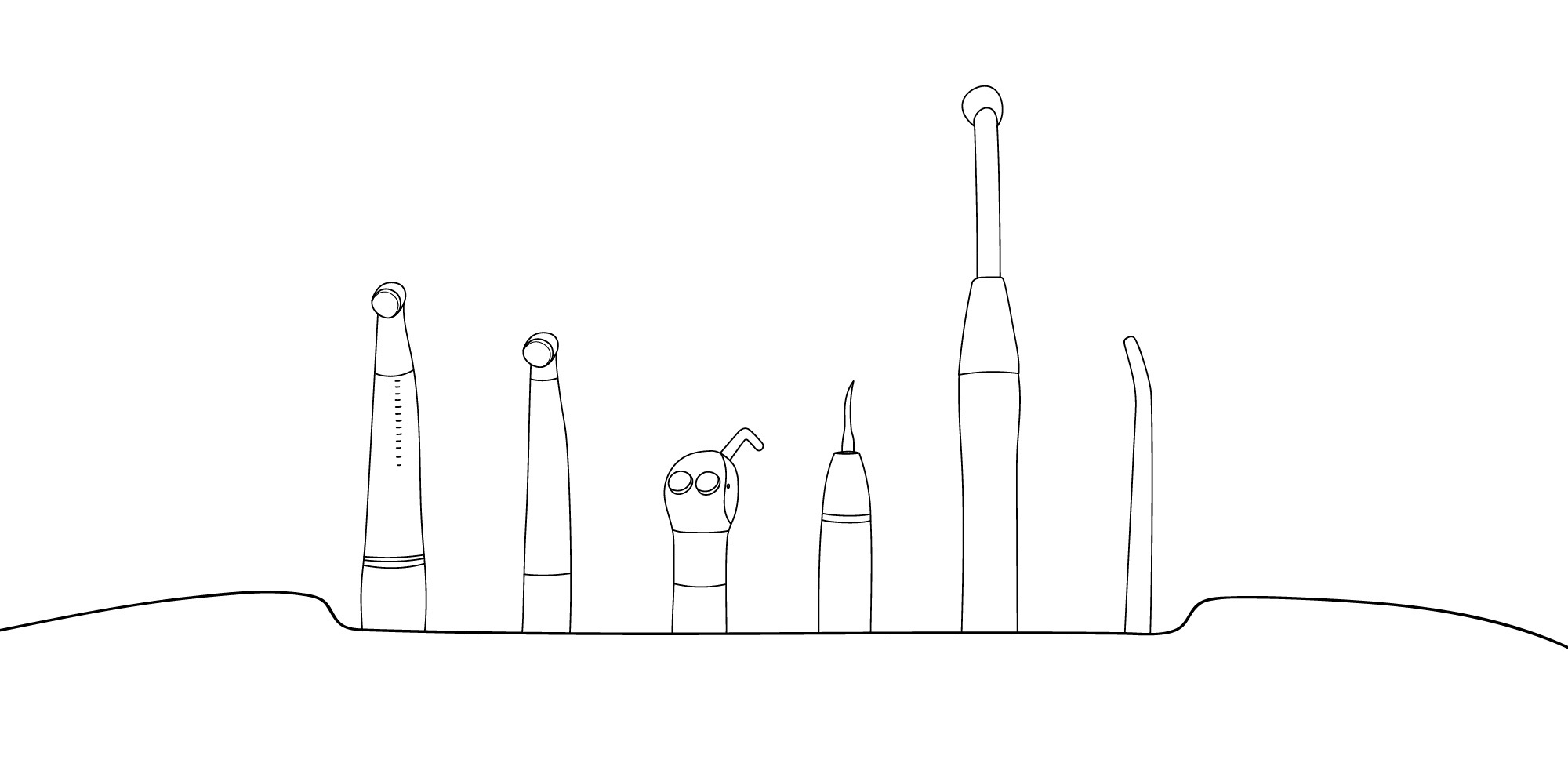
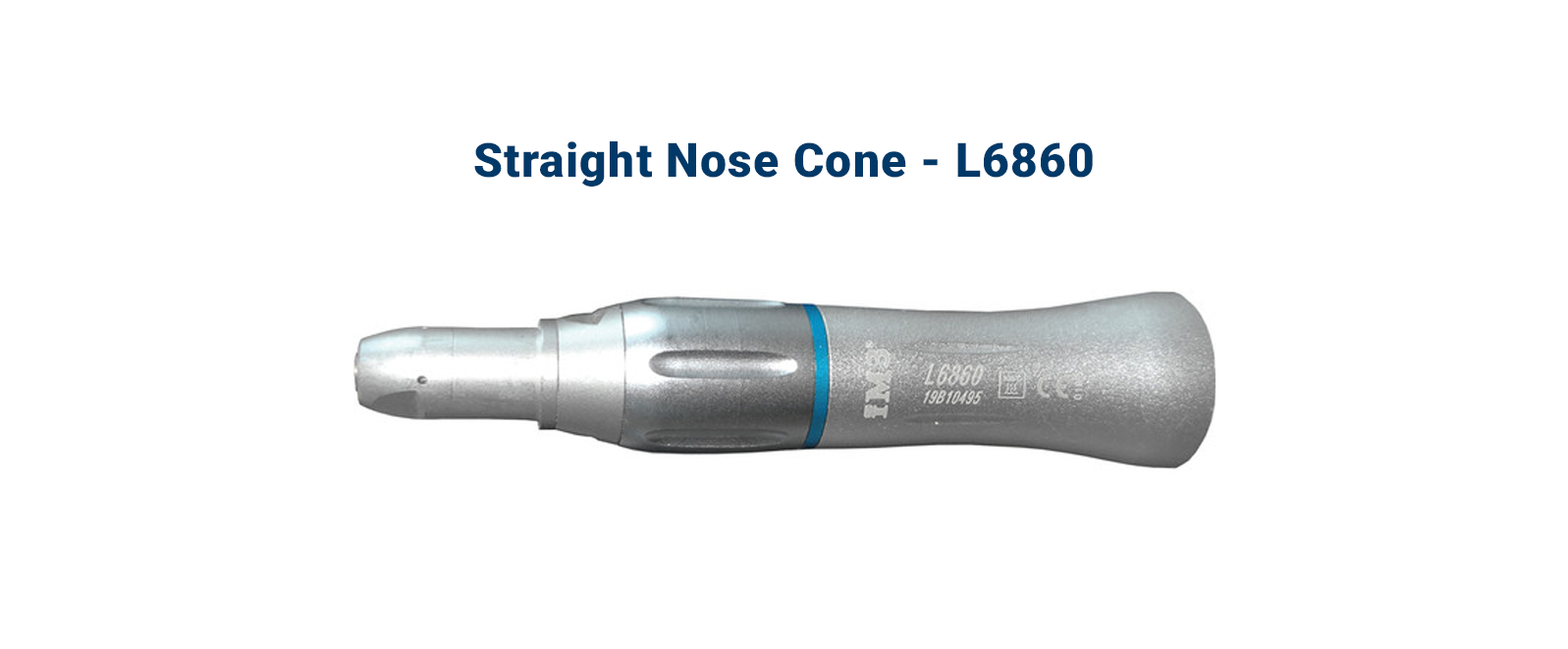
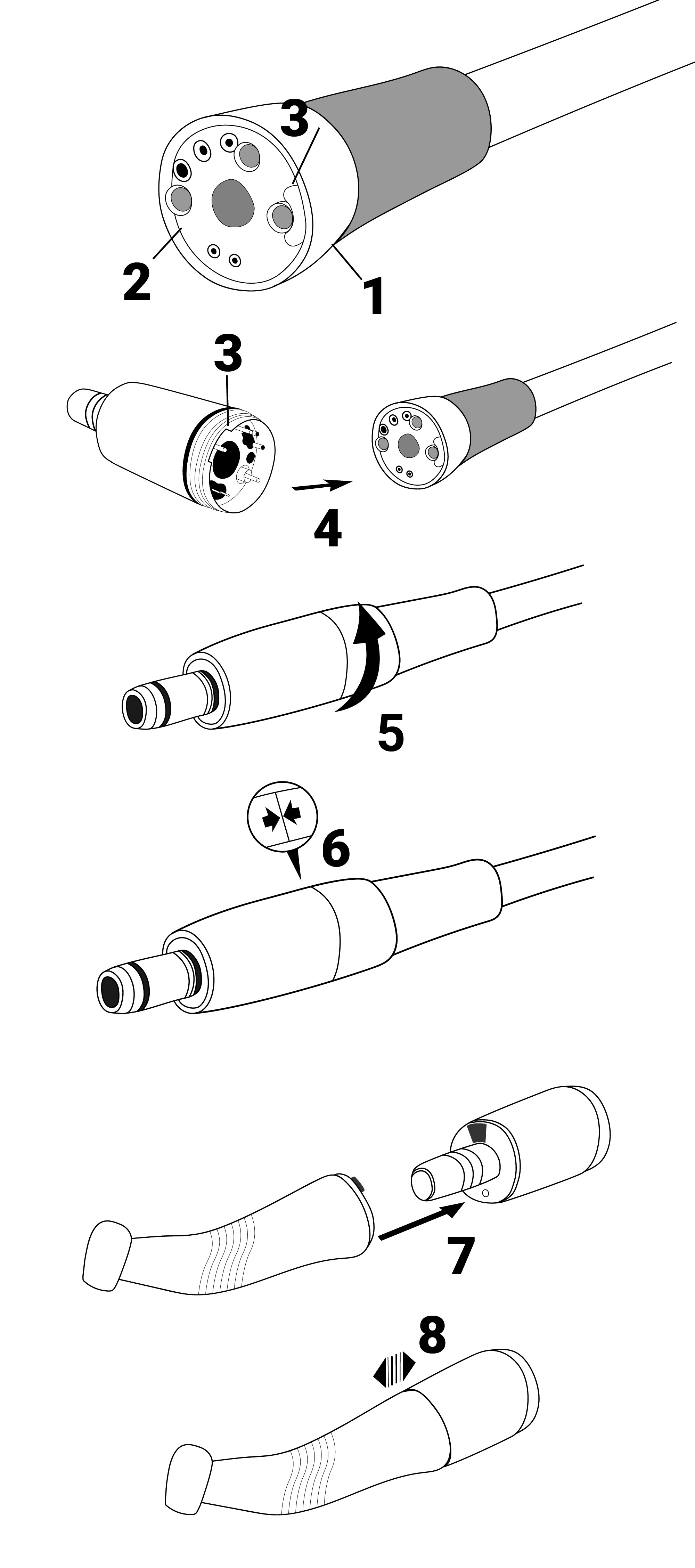
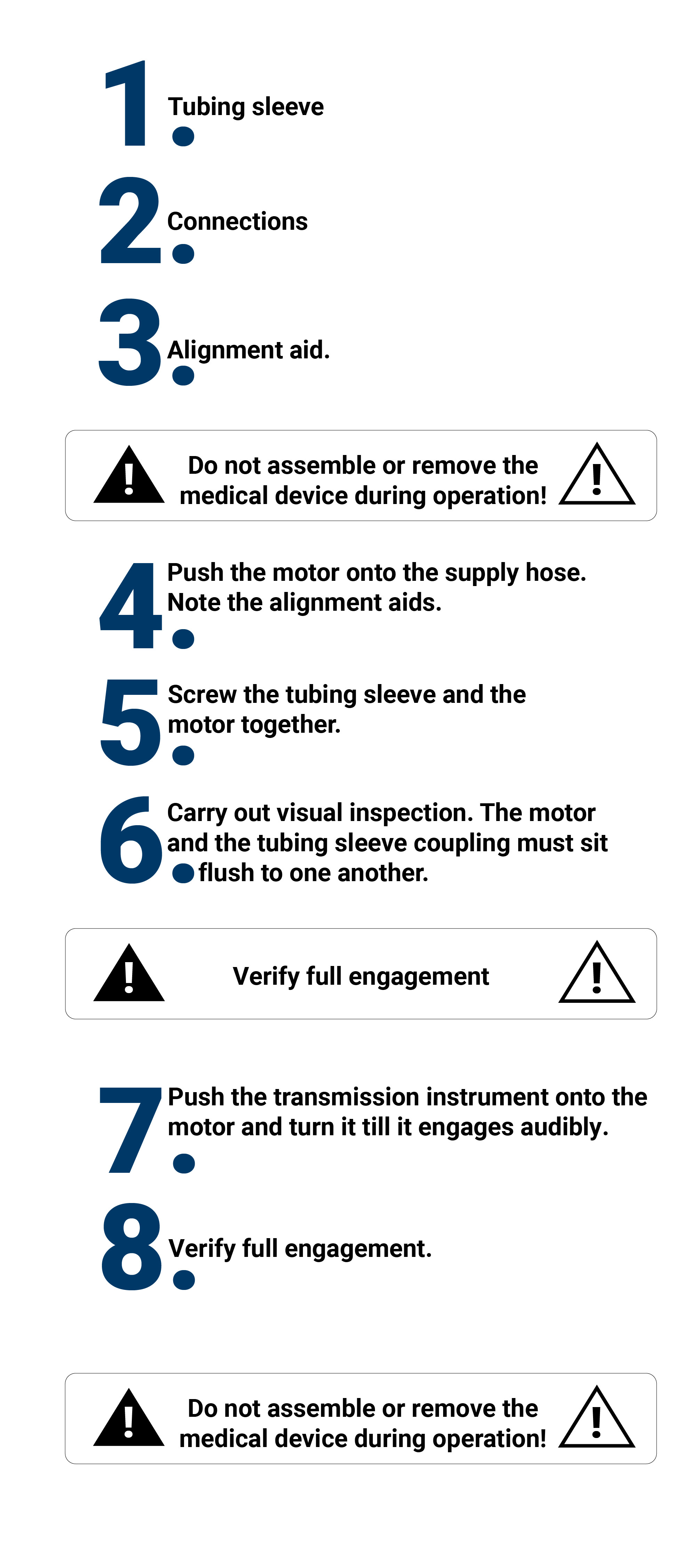
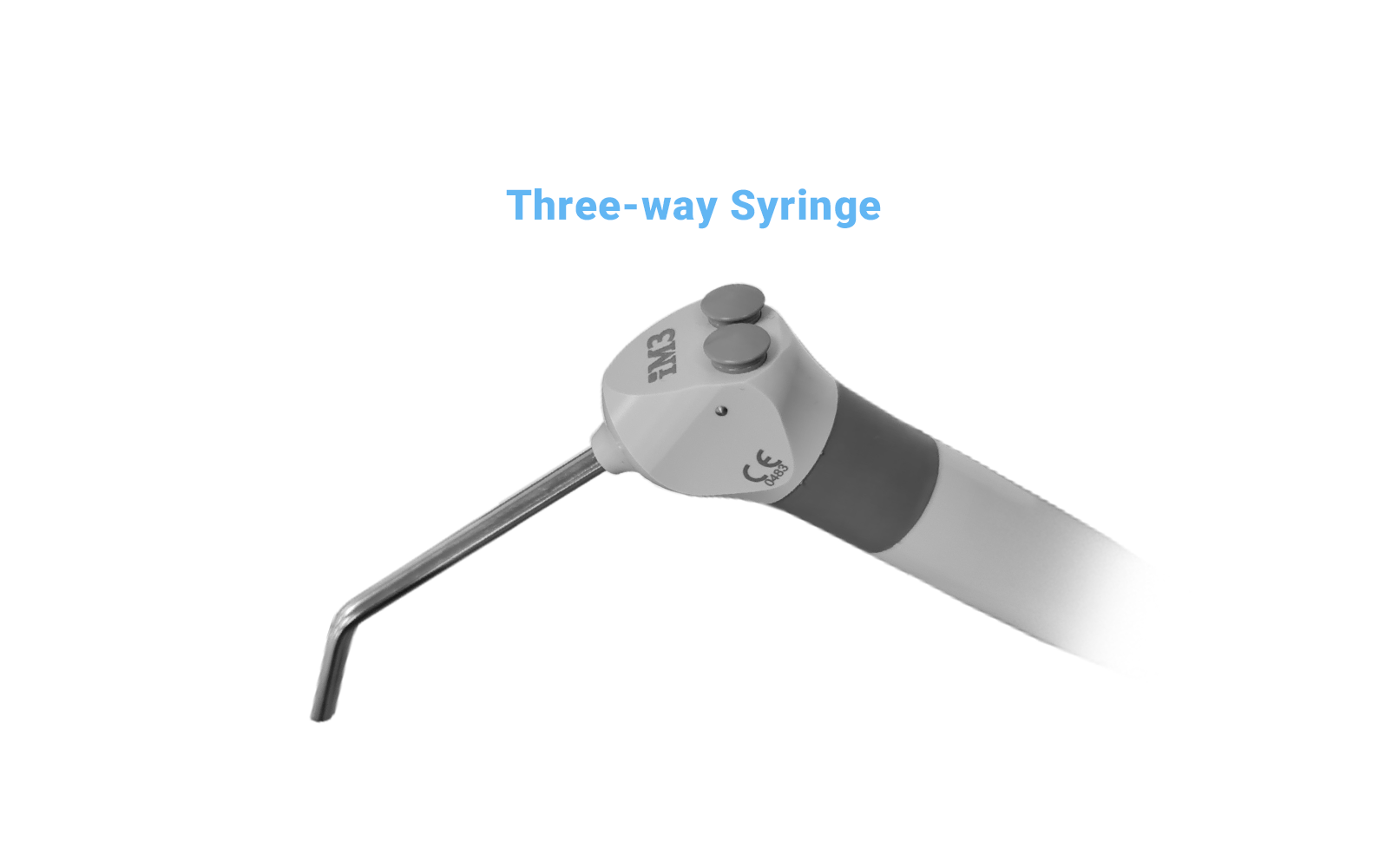
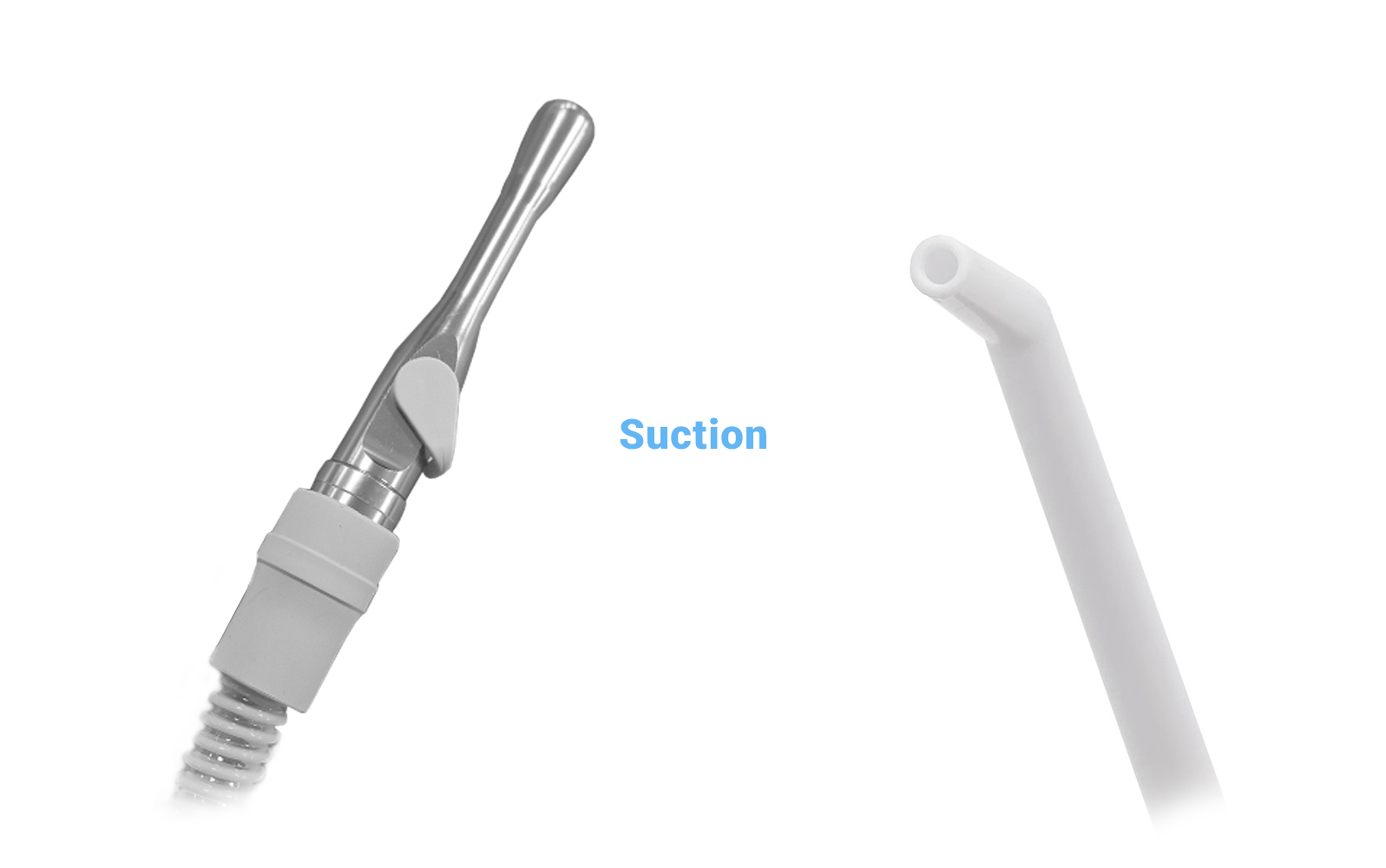
All instruments should be placed into the instrument holders in the instrument bridge when not in use. This reduces the likelihood of the instruments being damaged if they are knocked off the table and hit the ground.
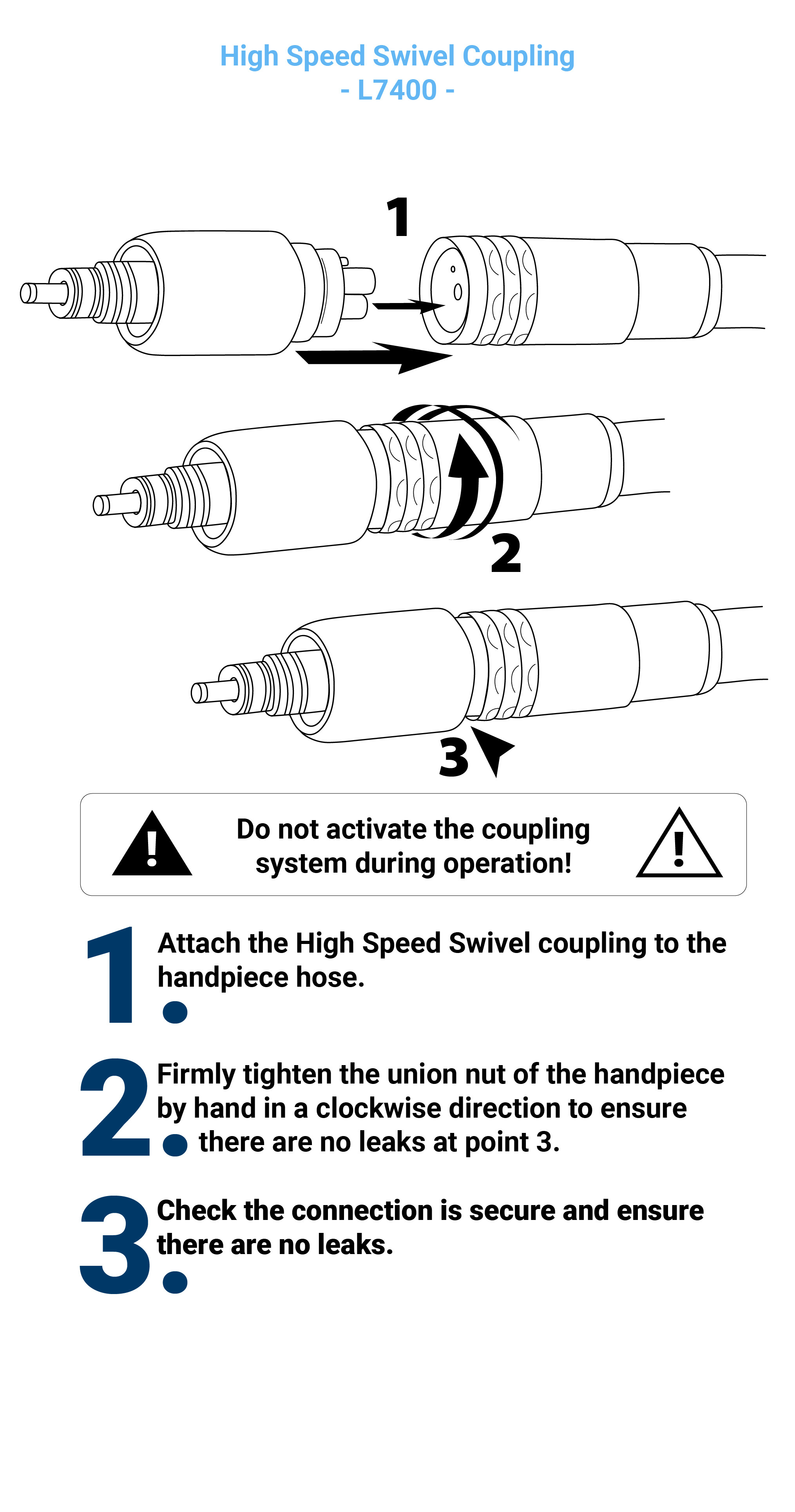
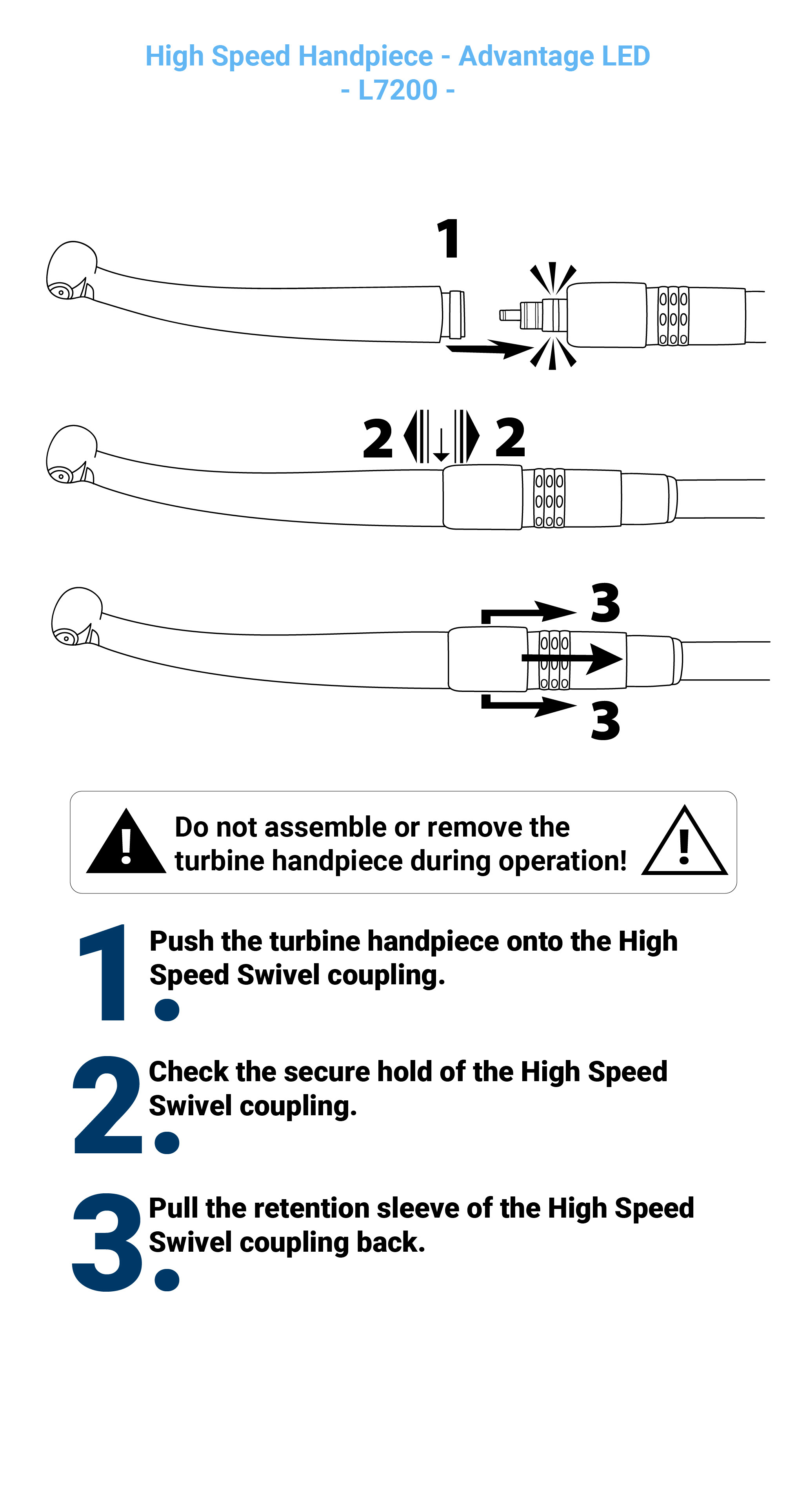
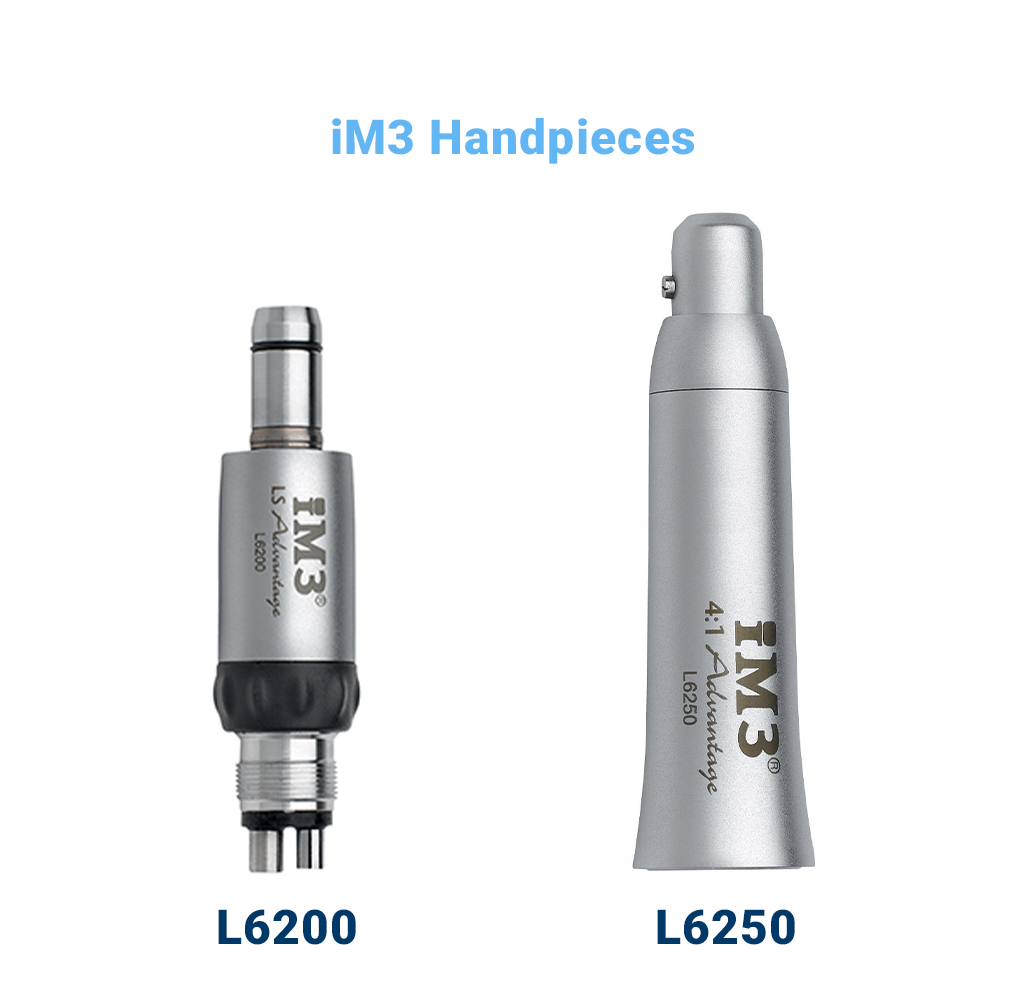
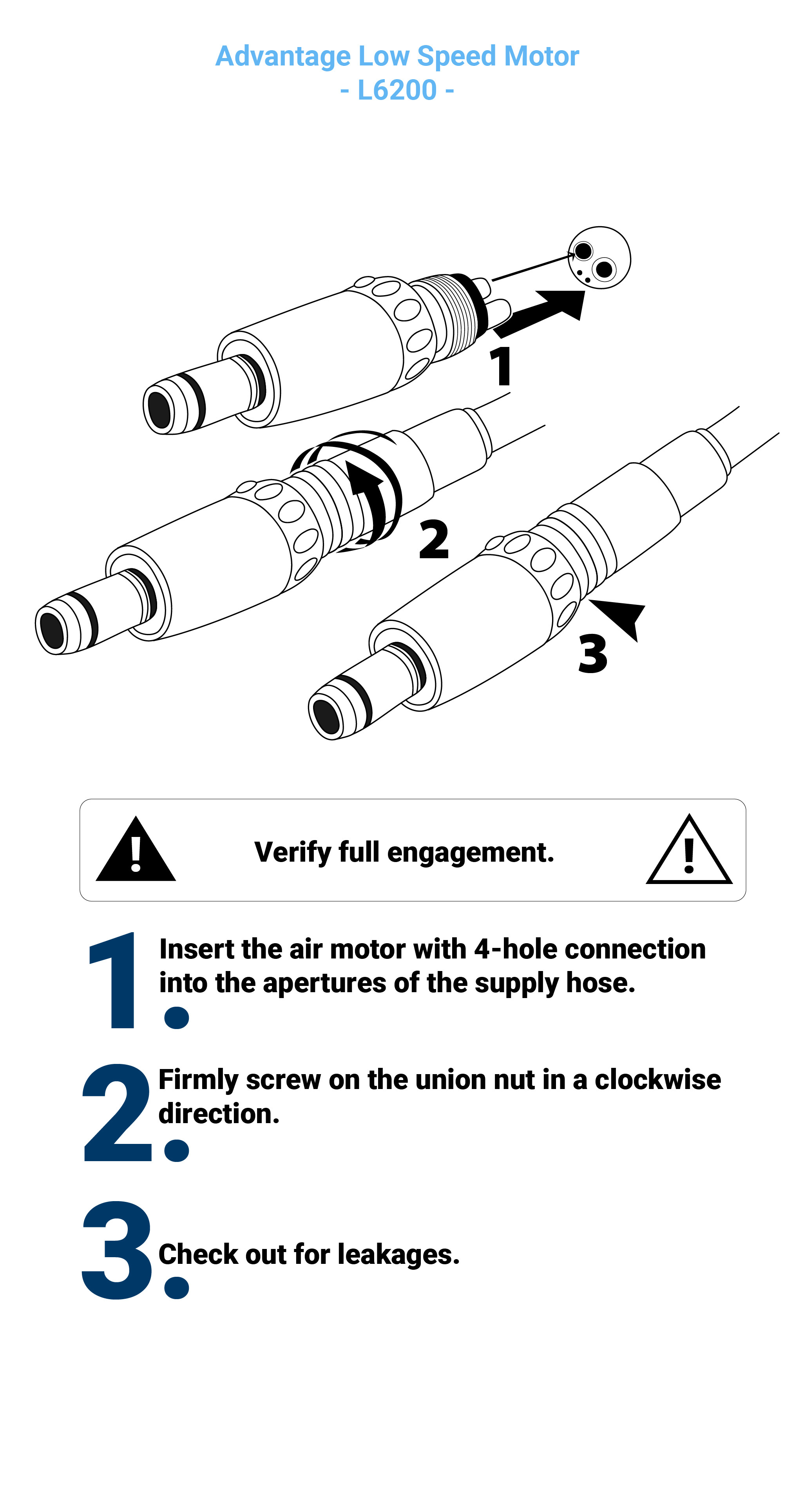
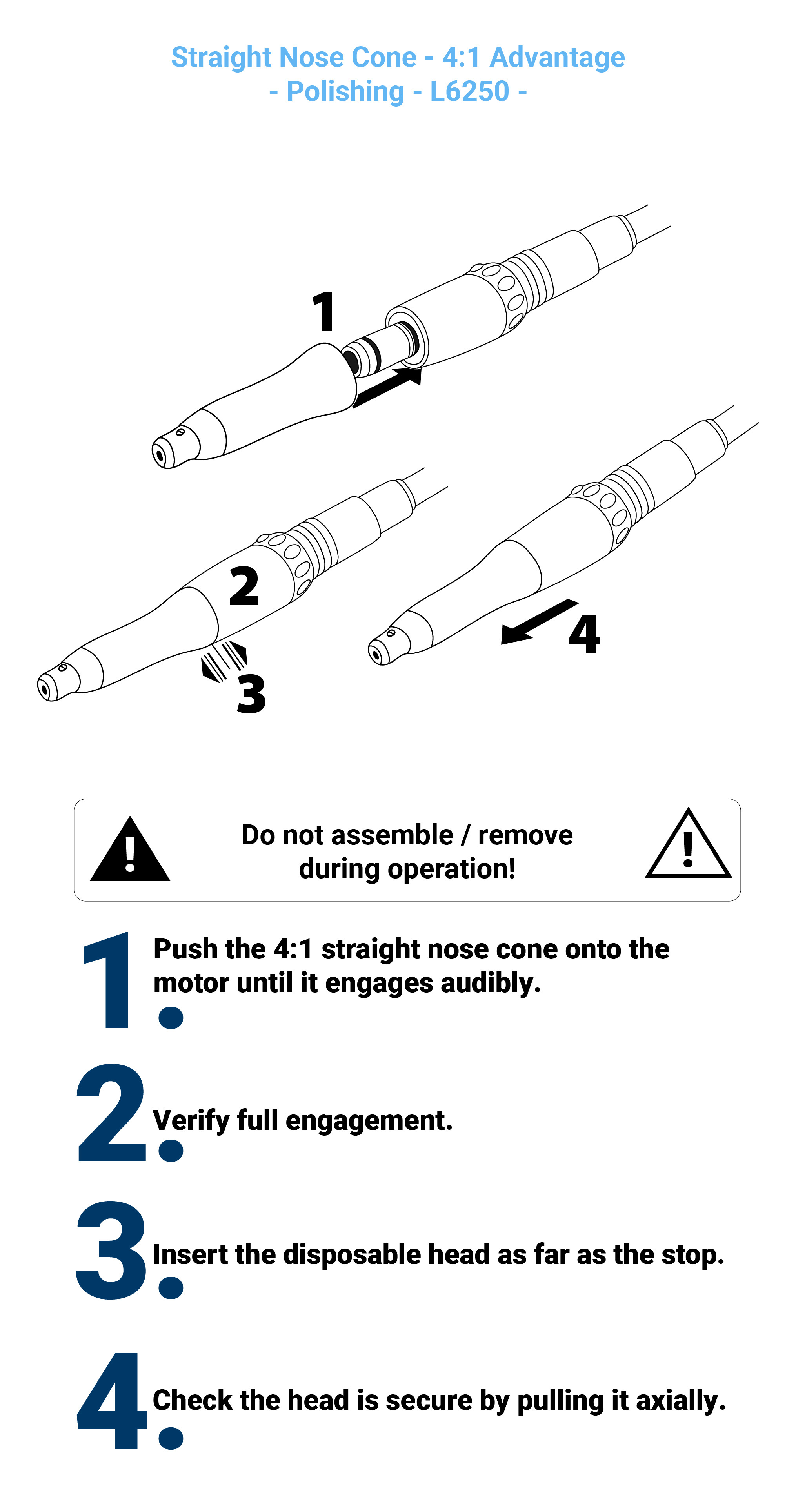
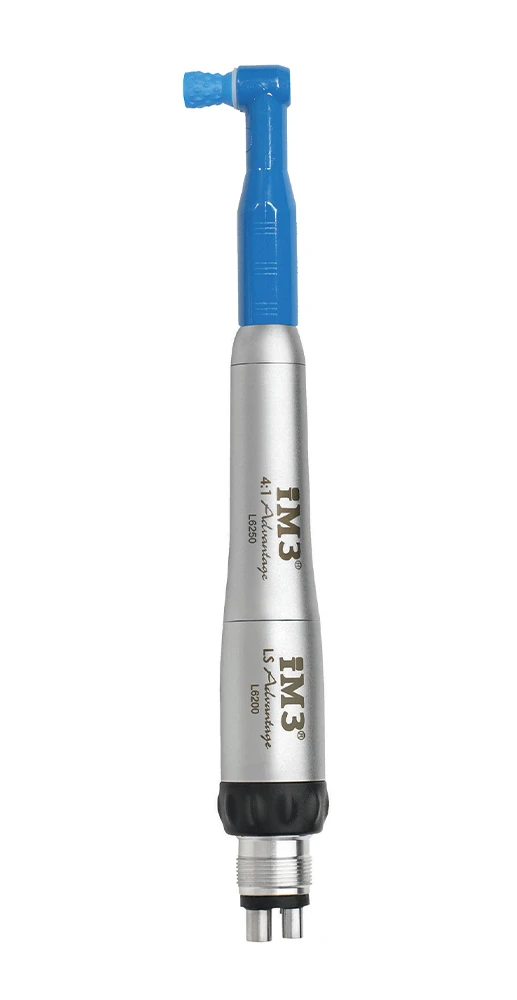
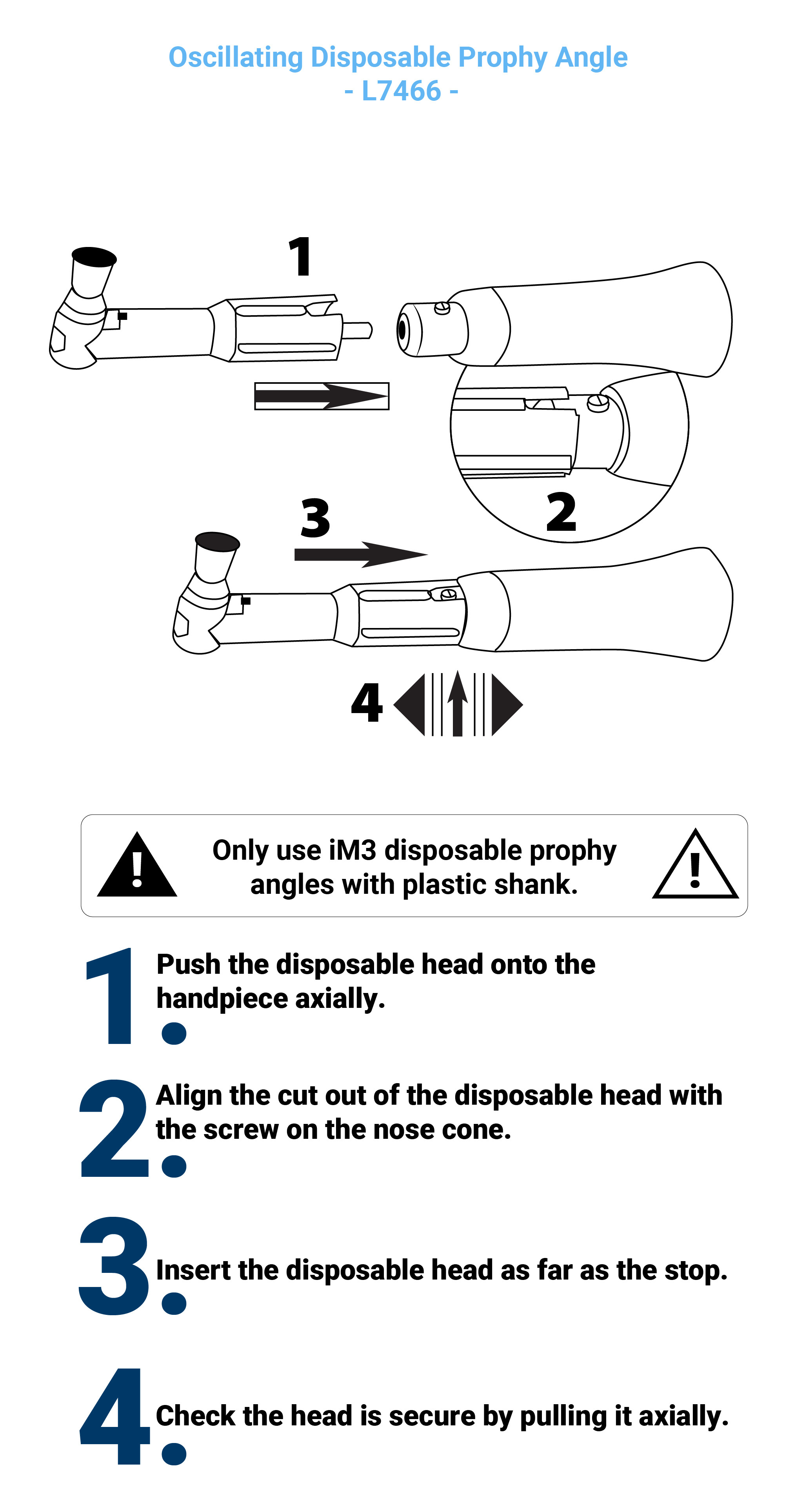
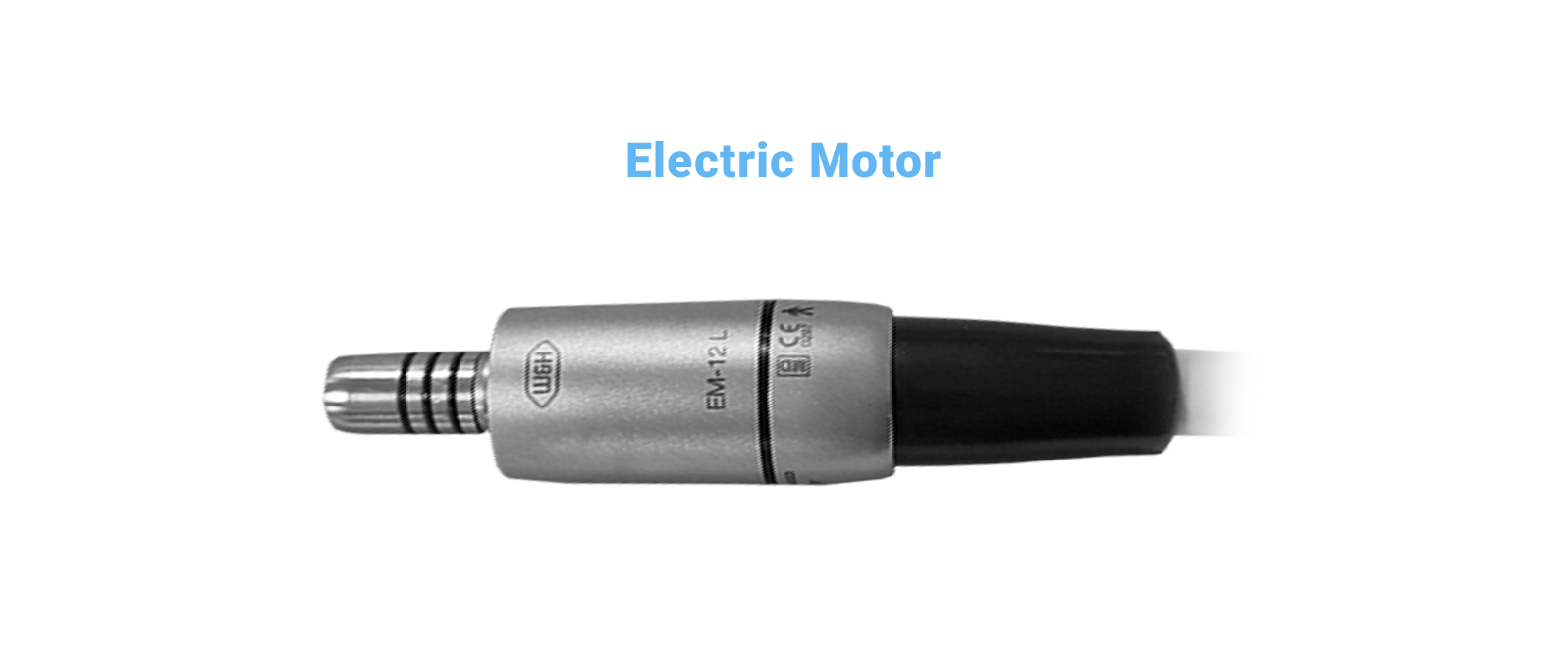

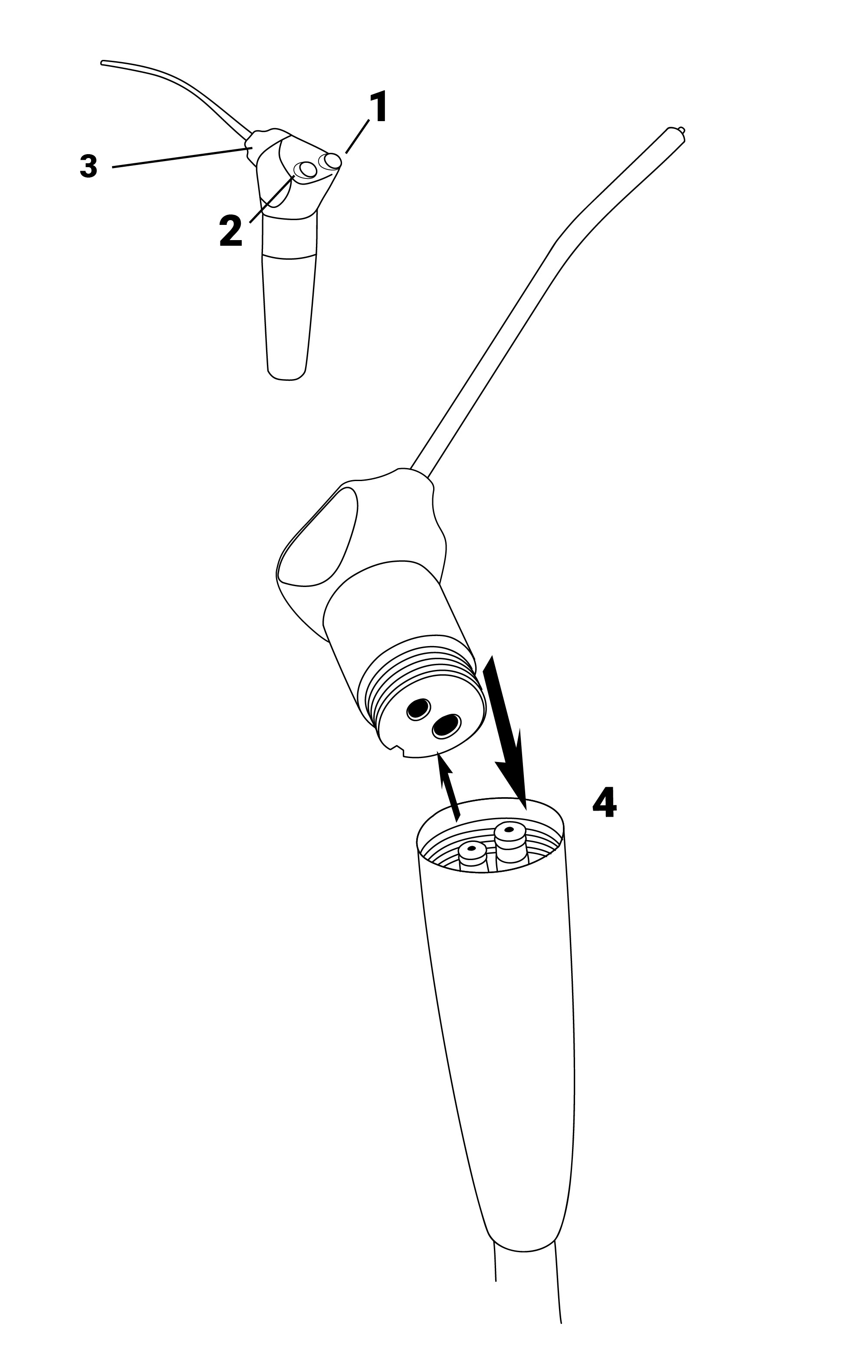
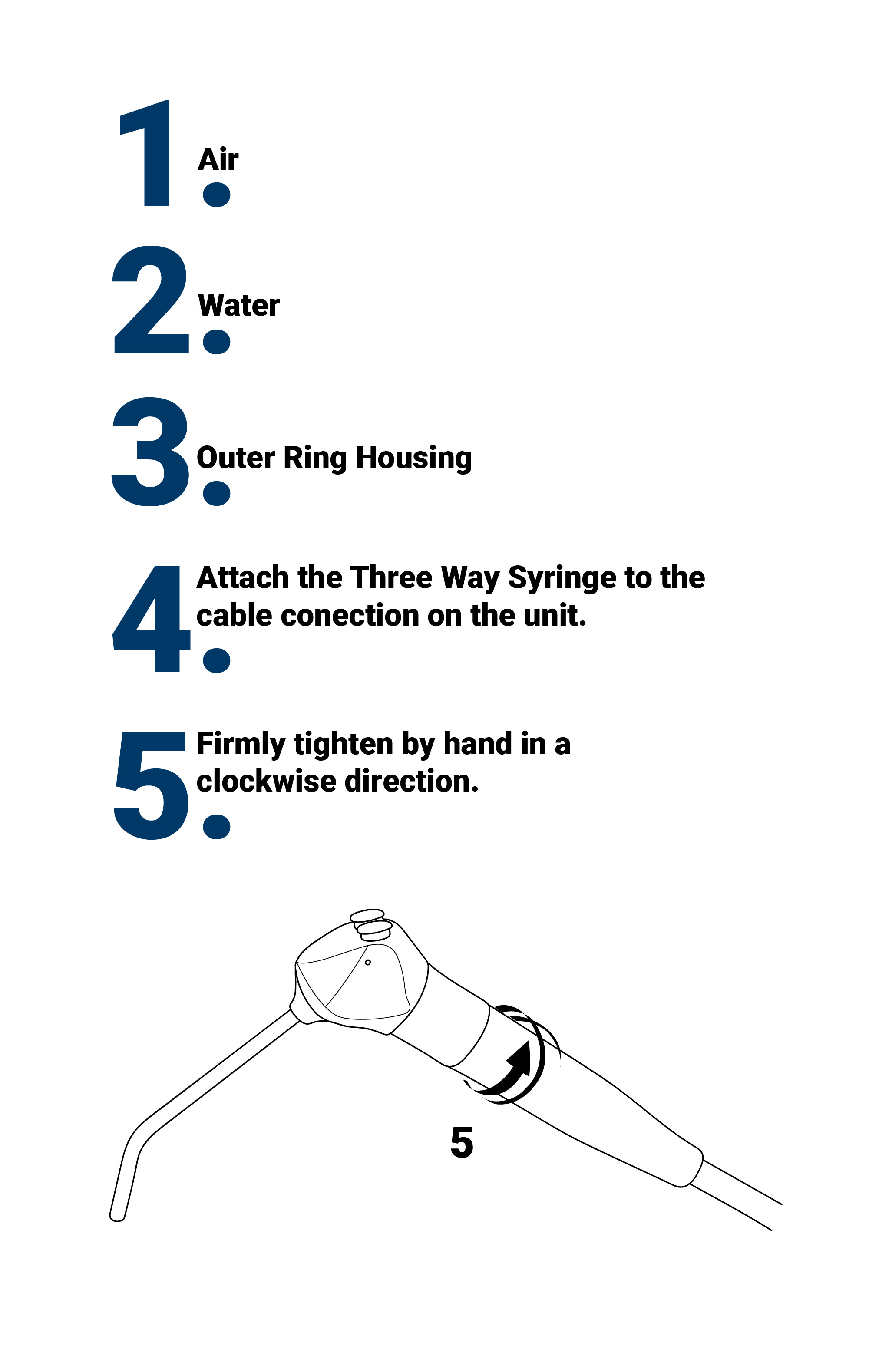
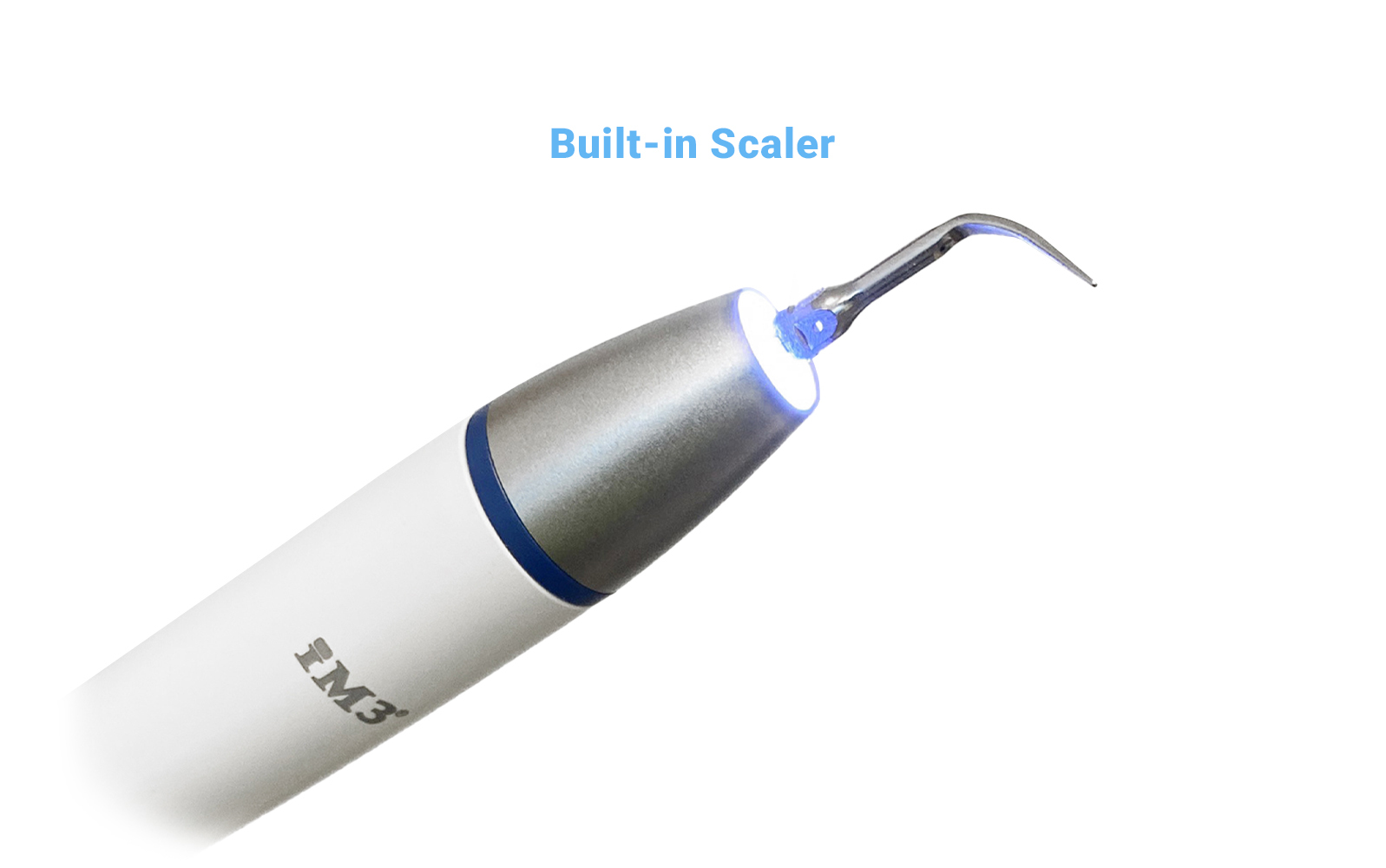
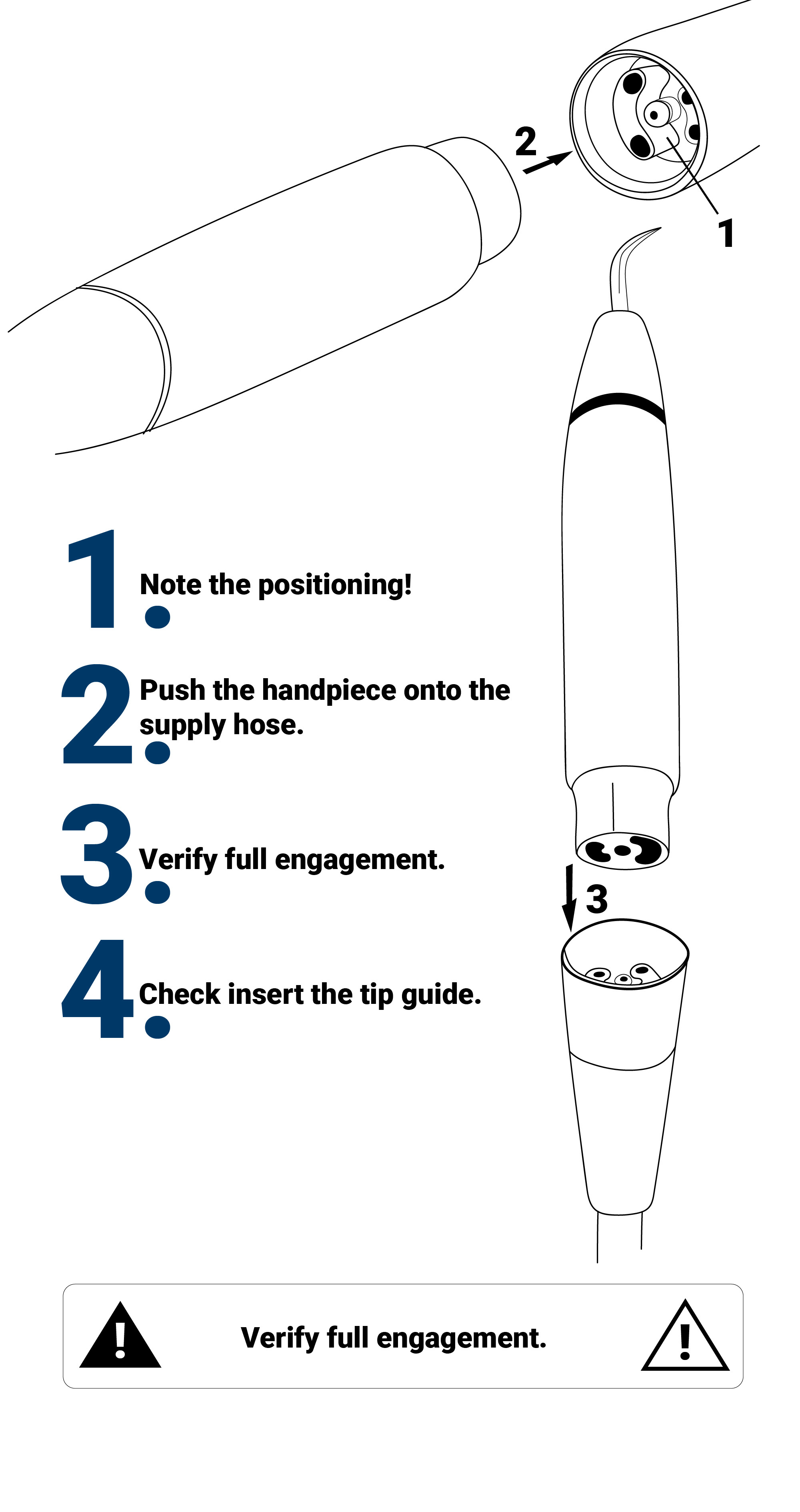
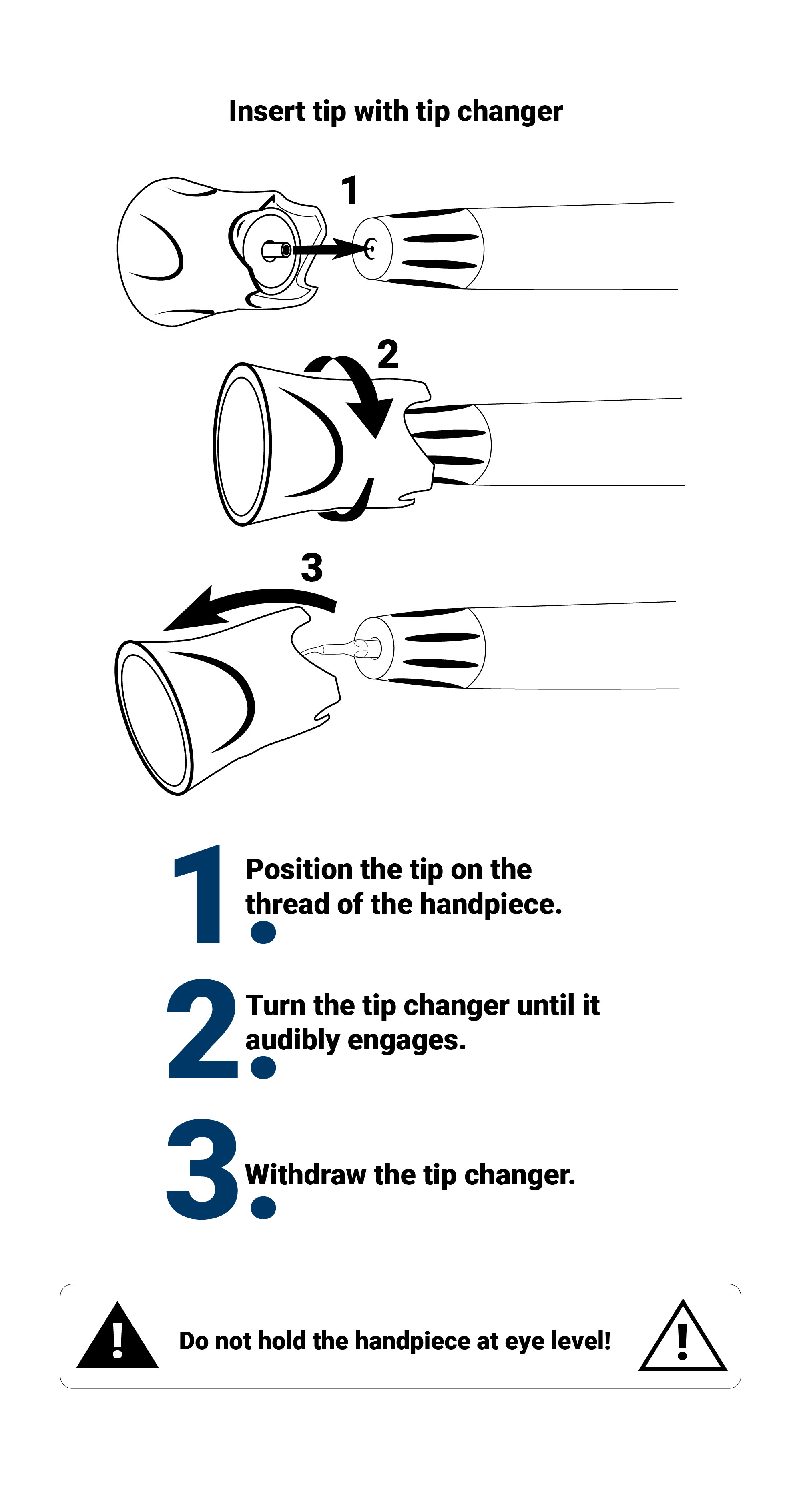
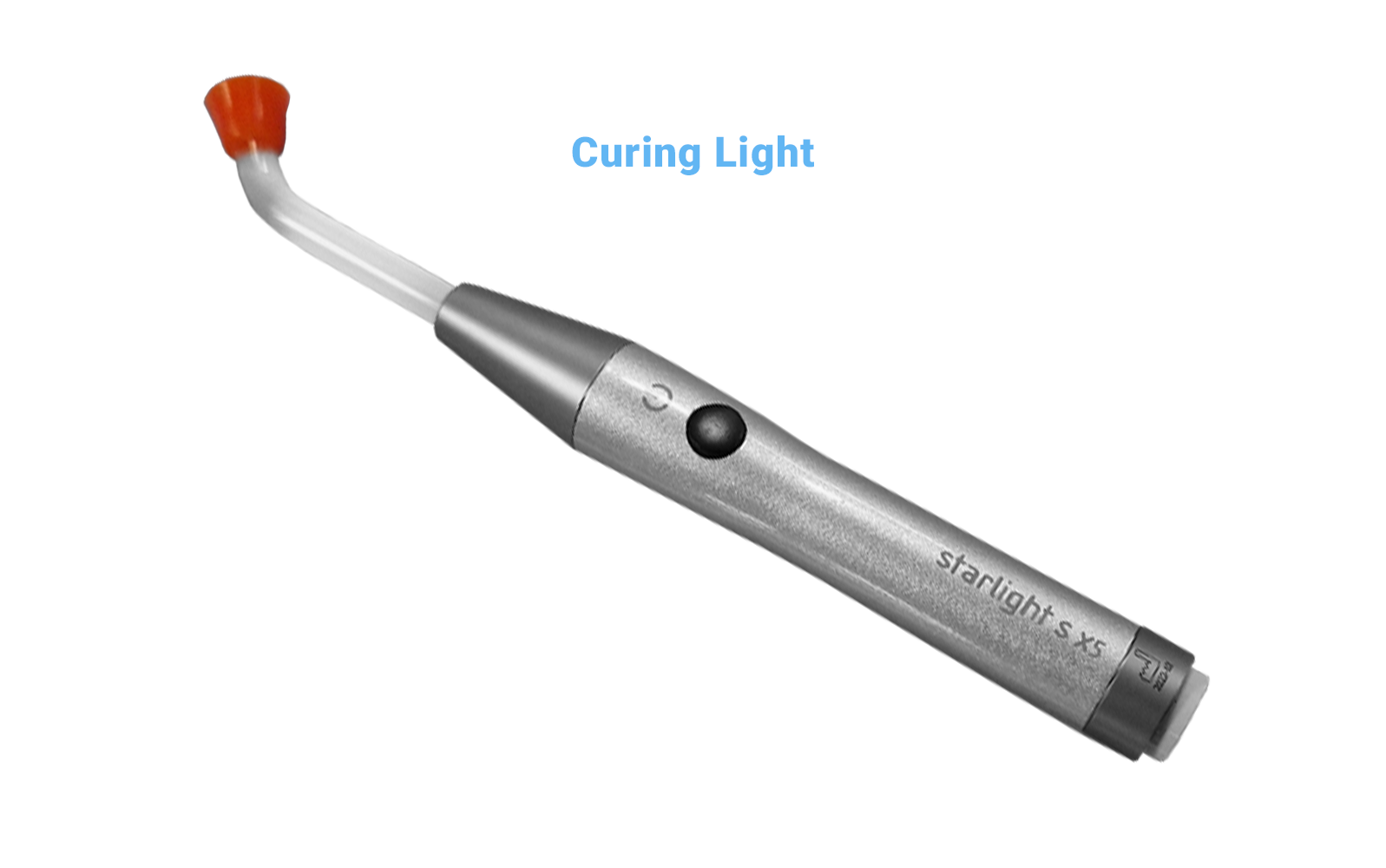
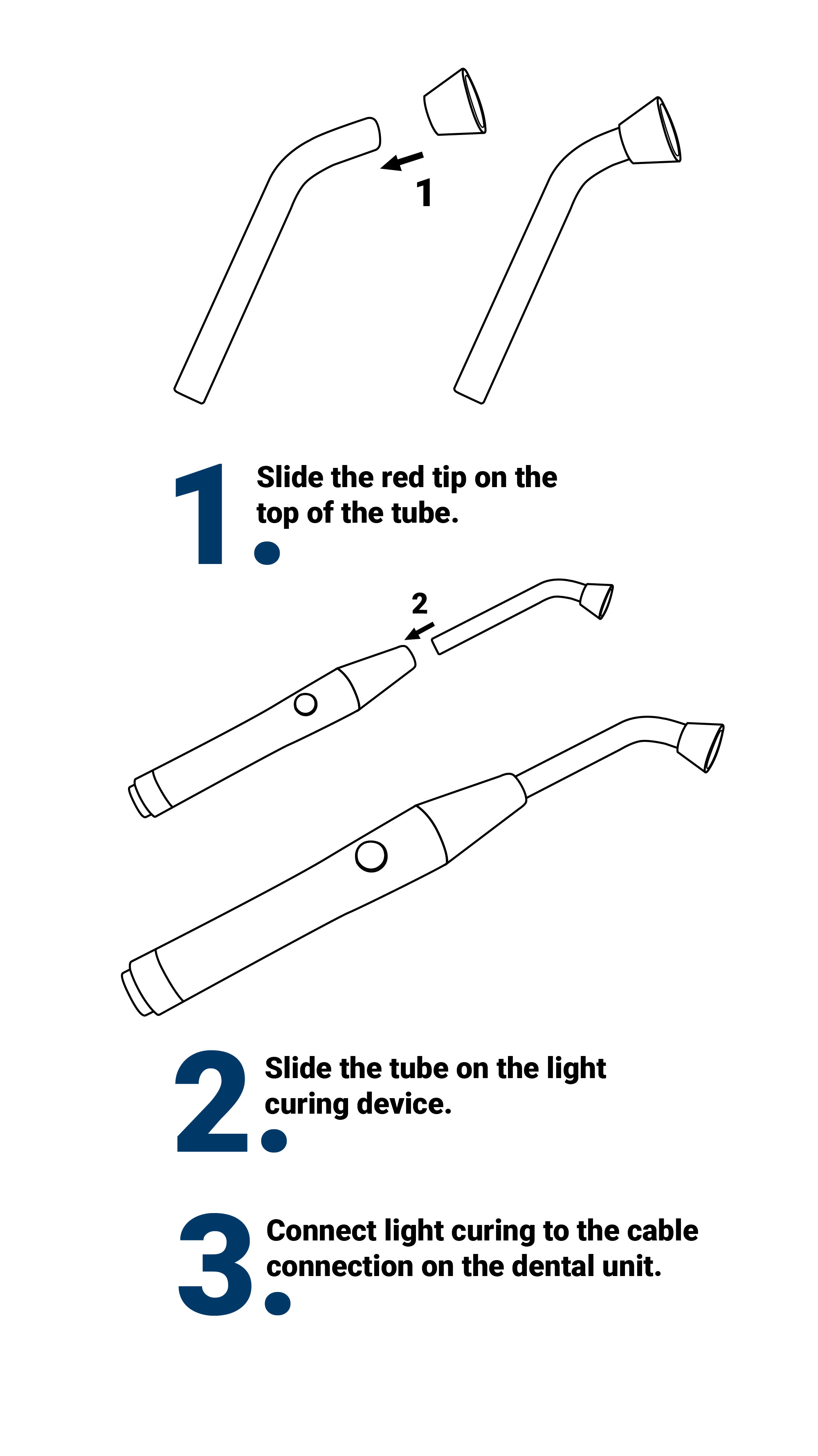
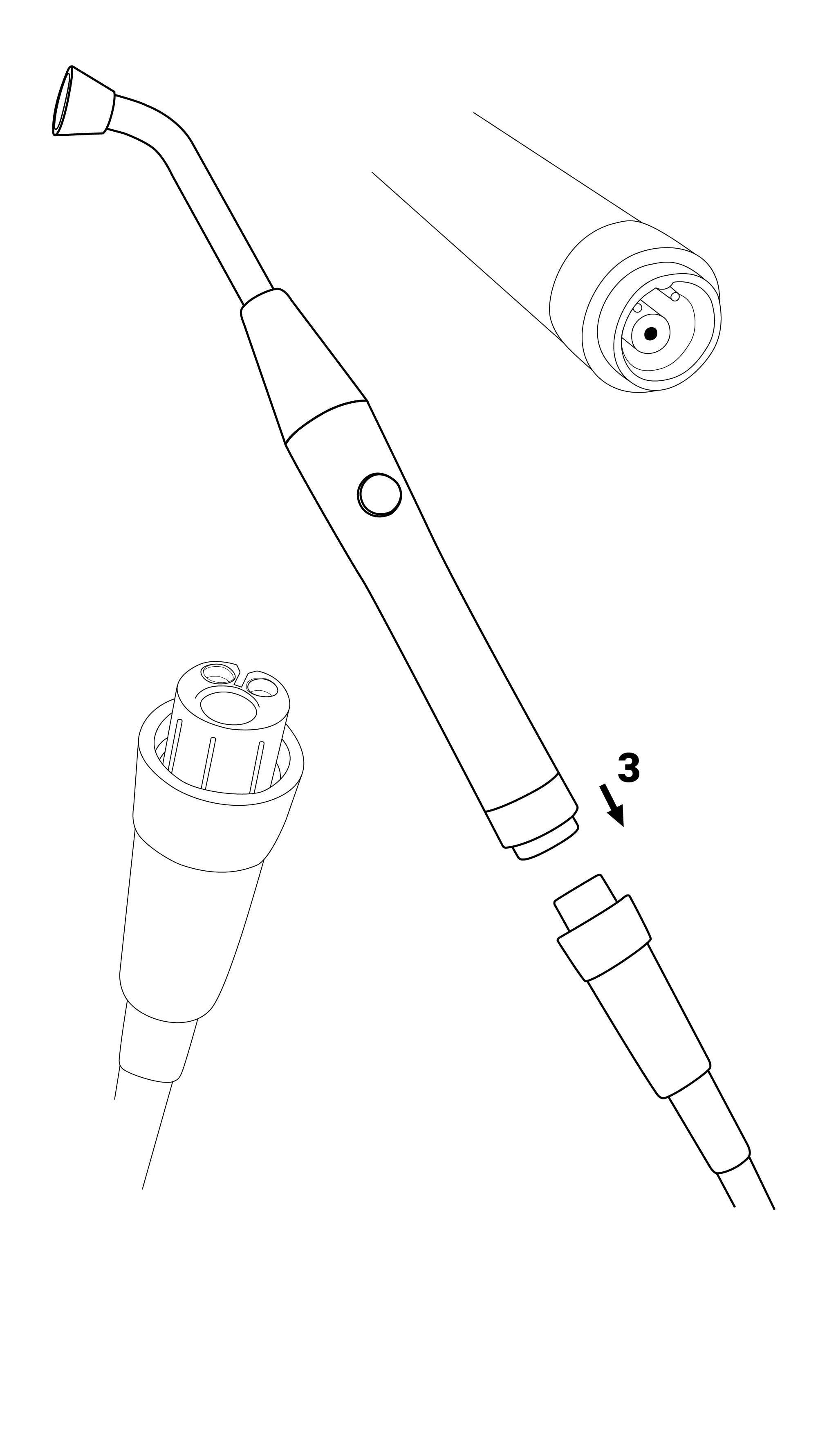


For more details please visit the manual or contact us at support@im3dental.com
For warranty registration please click here